1
Iris User Manual
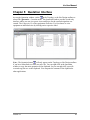
Quotation Toolbar
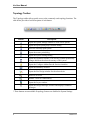
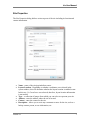
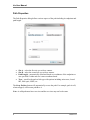
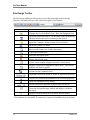
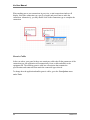
The Quotation toolbar provides quick access to the commonly used quotation functions.
The table below provides a brief description of each button.
Button
Description
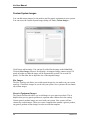
Opens the System Settings dialog
Opens the Price Lists dialog
Allows add or edit of currency exchange rates
Previews the current quotation
Exports and saves the quote as an Excel file
Price Lists
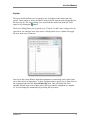
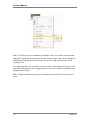
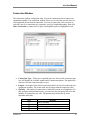
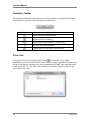
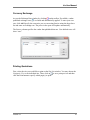
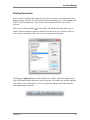
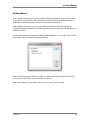
Access the Active Price Lists dialog by clicking on the toolbar. All available,
published price lists are listed for each vendor. Select a vendor, click Edit, and then select
the price lists that are appropriate for your quotation and click OK. Your selections apply
to this quote only. You can click on the checkbox to remember these price lists for any
new systems you create.
30
Version 3.2