1
33
Introduction
Steps
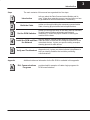
The main contents of this manual are organized into five steps:
1
Introduction
2
Build the Cable
3
Set the DCM Switches
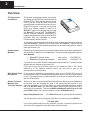
tells you about the Data Communication Module and its
uses. It lists other manuals you may need and tells you how
to get additional technical assistance, if necessary.
guides you through building the necessary communication
cable, covering physical and electrical specifications.
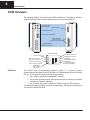
guides you through the setup of the rotary and DIP switches
to select communication parameters and network
addressing. It shows the proper method of inserting the
module into the base.
tells you what to consider when laying out your network
4
Install the DCM and Start cable and how to terminate the individual conductors at the
networked devices. It gives you specific cabling examples,
the Network
5
introduces the use of the DCM’s status indicator lights as a
diagnostic tool. It gives you status indicator light patterns to
help you identify problems that could be preventing
communications.
Appendix
A
showing pinouts for each device.
Verify and Troubleshoot
Additional reference information for the D4–DCM is available in this appendix:
RLL Communications
Programs
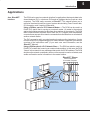
provides helpful examples of Ladder Logic programs for
DCM communications.