1
3
NOTE
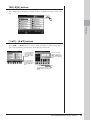
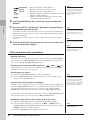
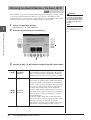
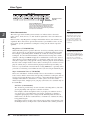
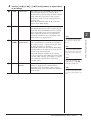
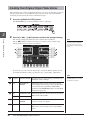
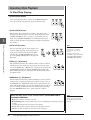
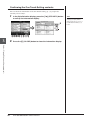
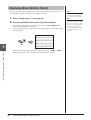
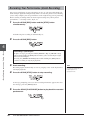
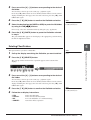
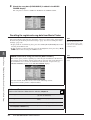
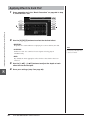
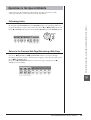
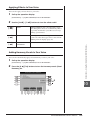
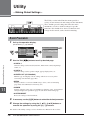
Press one of the [A] – [J] buttons to select the desired Voice.
To call up the other display pages, press one of the [1 ▲] – [5 ▲] buttons or
press the same VOICE button again.
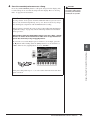
(CVP-509/505) You can call up the
information for the selected Voice by
pressing the [7 ▲] (INFO) button.
(Some Voices do not have the information display.) To close the information display, press the [EXIT] button.
NOTE
The Voice type and its defining characteristics are indicated above the
Preset Voice name. For details on the
characteristics, see page 40 and the
Reference Manual.
2
Voices – Playing the keyboard –
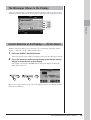
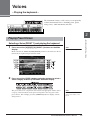
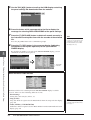
To listen to the demo phrases for each Voice
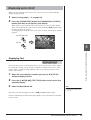
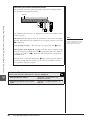
Press the [8 ▼] (DEMO) button to start the Demo for the selected Voice. To
stop the demo, press the [8 ▼] button again.
4
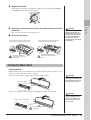
Play the keyboard.
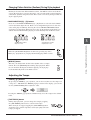
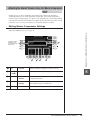
Playing Two Voices Simultaneously
1
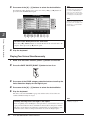
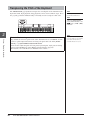
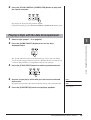
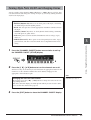
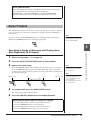
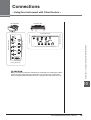
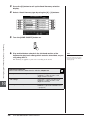
Make sure that PART ON/OFF [RIGHT 1] button is turned on.
2
Press the PART ON/OFF [RIGHT 2] button to turn it on.
3
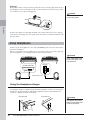
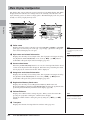
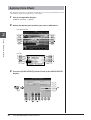
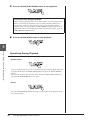
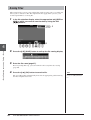
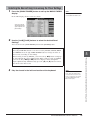
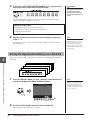
Press one of the VOICE category selection buttons to call up the
Voice Selection display for the Right 2 part.
4
Press one of the [A] – [J] buttons to select the desired Voice.
5
Play the keyboard.
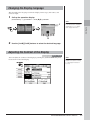
The Voice selected for RIGHT 1 (page 37) and the Voice selected here are
sounded simultaneously in a layer.
NOTE
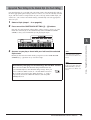
Quickly selecting Voices for Right 1 and 2 parts
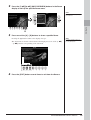
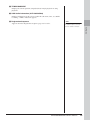
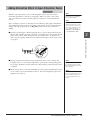
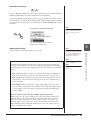
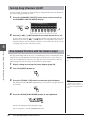
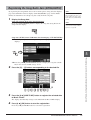
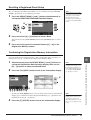
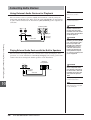
You can quickly select the Right 1 and 2 part Voices, just from the Voice category selection buttons. Press and hold one Voice button, then press another.
The Voice of the first pressed button is automatically set for the Right 1 part,
while the Voice of the second pressed button is set for the Right 2 part.
38
CVP-509/505/503/501 Owner’s Manual
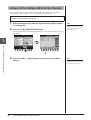
You can save the settings to Registration Memory. See page 79.