1
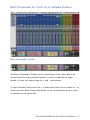
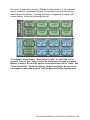
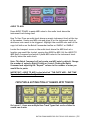
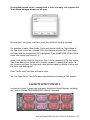
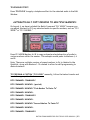
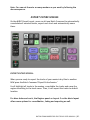
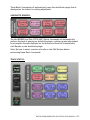
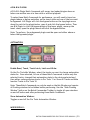
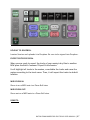
IMPORTANT: Memory Locations 89-99 have been pre-programmed in the
window configurations to allow you to program custom groups of faders to
launch with associated plugins.
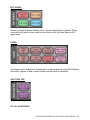
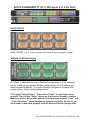
Examples: MEM LOCATION 89 = Con Fig 1, MEM LOCATION 90 = Con Fig 2,
etc.
Now, just save your Window Configuration with the New Window
Configuration Batch Command and number and name it accordingly. Now,
they should be able to be referenced through our Window Configuration 110 Batch Commands.
Note: Window Configurations 6-10 can be located in the QuickList for
custom programming.
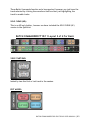
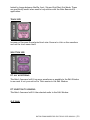
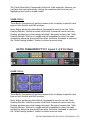
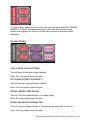
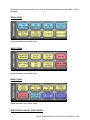
OPEN WINDOW CONFIG 1 (Configuration):
Press CON FIG 1 to open window configuration number one & Memory Location
89.
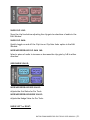
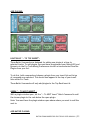
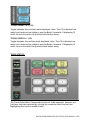
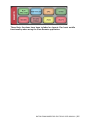
OPEN WINDOW CONFIG 2 (Configuration):
Press CON FIG 2 to open window configuration number two & Memory Location
90.
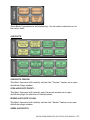
OPEN WINDOW CONFIG 3 (Configuration):
BATCH COMMANDER FOR PRO TOOLS USER MANUAL | 62