1
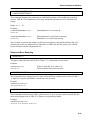
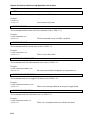
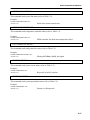
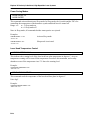
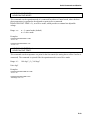
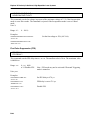
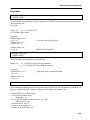
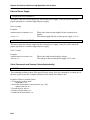
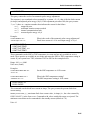
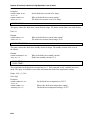
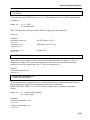
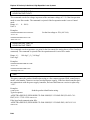
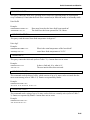
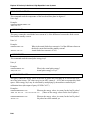
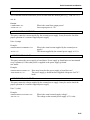
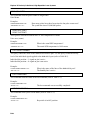
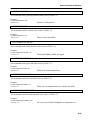
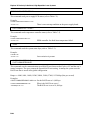
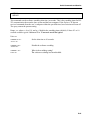
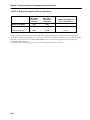
Serial Commands and Queries Pulse Energy READ:PENER? This command reads the actual pulse energy in µJ. Unit: µJ Example: What is the actual pulse energy? Actual pulse energy is 21 µJ. READ:PENER?<CR> 21µJ<CR><LF> READ:PENER:HIST? This query returns the energy values of the first 50 pulses after switching on or after the last readout of the pulse history. The values are given in ADC counts (0 – 1023) and are separated by blank spaces. Pulse energy in µJ may be calculated by multiplying by the numbers returned by the calibration factor (the output of query PENER:CALF?) Examples : READ:PENER:HIST?<CR> 455 772 781 776 … 776 778 What are the energy values, in counts, for the last 50 pulses? 773<CR><LF> (These are the energy values for the last 50 pulses.) READ:PENER:HIST?<CR> 0<CR><LF> What are the energy values, in counts, for the last 50 pulses? No pulses have been emitted yet. PENER:CALF? This query returns the calibration factor that is used to convert the pulse energy ADC counts (0 – 1023) returned by READ:PENER:HIST? to the displayed microjoule values. The calibration factor is set at the factory. Unit: µJ/cnt Example: PENER:CALF?<CR> 0.5234µJ/cnt<CR><LF> What is the conversion factor? The conversion factor is 0.5234 µJ/count. PENER:REFVOLT:CNTS <n> PENER:REFVOLT:CNTS? This command modifies the reference voltage of the pulse energy ADC. It may be used to recalibrate the displayed pulse energy to match the values read at the user’s energy meter. Higher reference voltage counts result in lower pulse energy values. Range <n>: 200 – 1023 Unit: cnts (counts) B-11