1
Contents
Safety information.............................................................................7
Learning about the printer...............................................................8
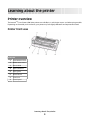
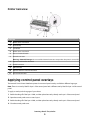
Printer overview.....................................................................................................................................................................8
Applying control panel overlays......................................................................................................................................9
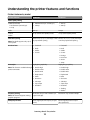
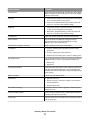
Understanding the printer features and functions.................................................................................................10
Printing a demonstration page......................................................................................................................................12
Printing a network setup page.......................................................................................................................................14
Printing from Windows or DOS......................................................................................................................................14
Using IBM emulation mode.............................................................................................................................................15
Using Epson emulation mode........................................................................................................................................15
Using Okidata MICROLINE emulation mode.............................................................................................................16
Using the control panel...................................................................17
Understanding the control panel buttons.................................................................................................................17
Understanding the control panel lights......................................................................................................................19
Setting the printer online or offline..............................................................................................................................20
Advancing paper.................................................................................................................................................................20
Using the Load/Unload function...................................................................................................................................20
Locking and unlocking the control panel...................................................................................................................20
Selecting a Tractor mode..................................................................................................................................................21
Selecting and locking a font............................................................................................................................................21
Disabling Font Lock............................................................................................................................................................21
Selecting and locking a pitch..........................................................................................................................................22
Disabling Pitch Lock...........................................................................................................................................................22
Loading paper...................................................................................23
Setting the forms thickness lever..................................................................................................................................23
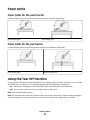
Paper paths............................................................................................................................................................................25
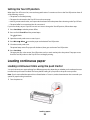
Using the Tear Off function..............................................................................................................................................25
Loading continuous paper...............................................................................................................................................26
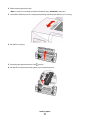
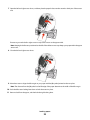
Loading continuous forms using the push tractor............................................................................................................. 26
Front loading continuous forms using the pull tractor .................................................................................................... 29
Bottom loading continuous forms using the pull tractor ................................................................................................ 32
Loading cut forms...............................................................................................................................................................37
Contents
2