1
65
Entering eJIFFY
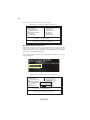
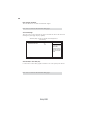
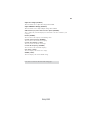
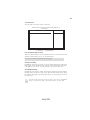
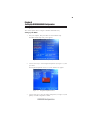
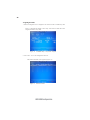
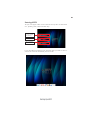
The post screen appears within several seconds after boot up and it has three buttons
on it, Operating system, eJIFFY and BIOS Setup.
Click to enter the normal
OS you have installed
such as Windows.
Click to enter eJIFFY OS.
Click to set the BIOS.
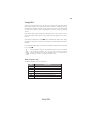
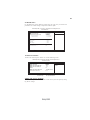
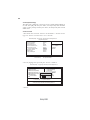
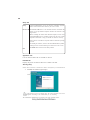
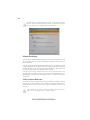
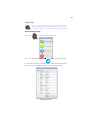
If you click eJIFFY, the following screen will appear. And If you make no choice it
will enter the normal OS automatically after ten seconds.
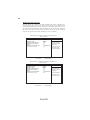
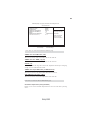
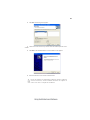
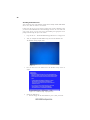
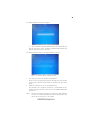
Setting Up eJIFFY