1
Step 3: Generating the Octree Mesh
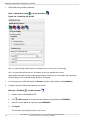
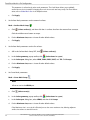
c.
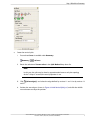
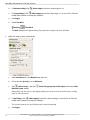
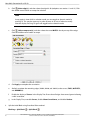
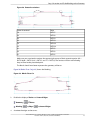
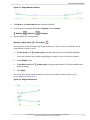
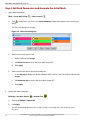
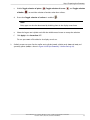
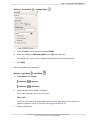
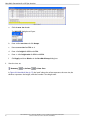
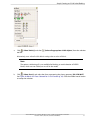
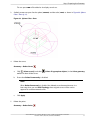
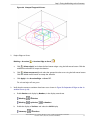
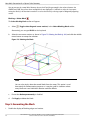
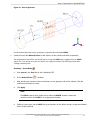
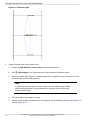
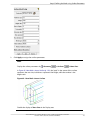
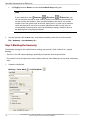
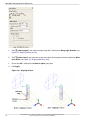
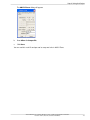
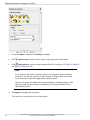
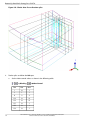
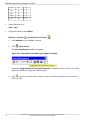
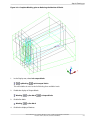
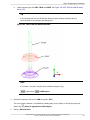
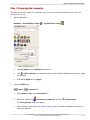
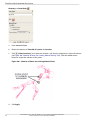
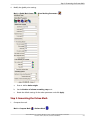
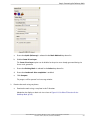
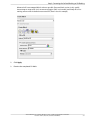
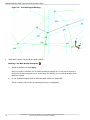
Enter 1211 for X Offset.
The X Offset value is chosen approximately half the length of the aircraft.
d.
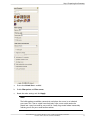
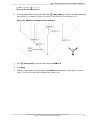
Click Apply.
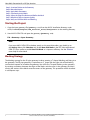
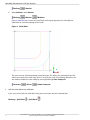
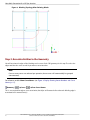
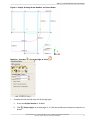
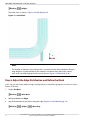
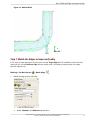
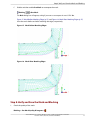
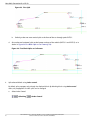
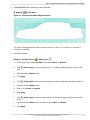
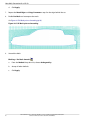
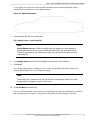
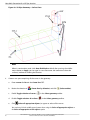
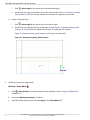
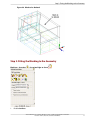
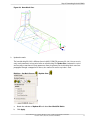
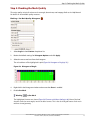
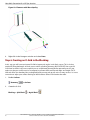
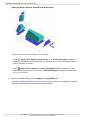
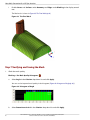
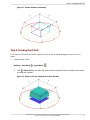
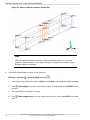
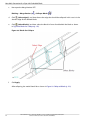
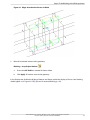
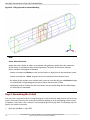
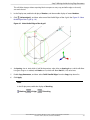
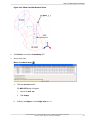
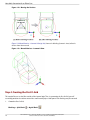
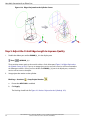
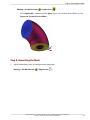
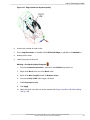
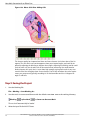
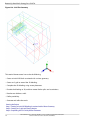
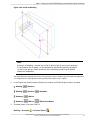
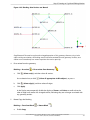
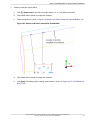
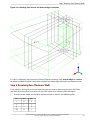
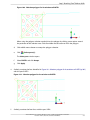
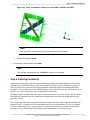
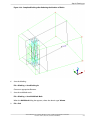
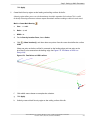
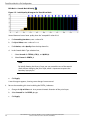
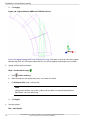
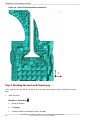
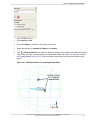
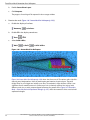
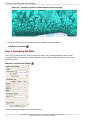
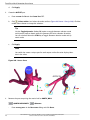
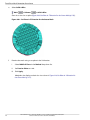
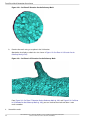
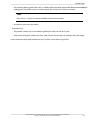
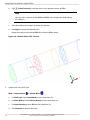
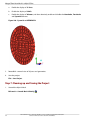
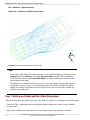
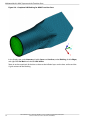
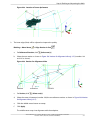
The density box is translated half the length of the fuselage (Figure 195: Density Box Translated to
the Wake Region (p. 255). You will use this to refine the wake region.
Figure 195: Density Box Translated to the Wake Region
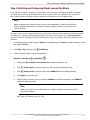
Step 3: Generating the Octree Mesh
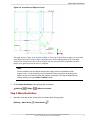
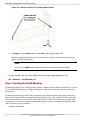
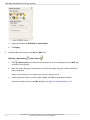
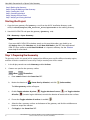
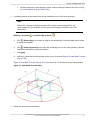
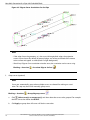
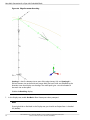
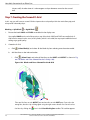
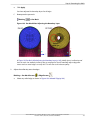
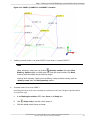
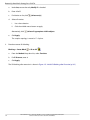
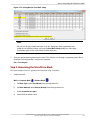
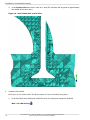
Initially, an Octree Mesh is calculated because of the fast and robust method.
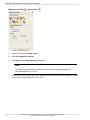
1.
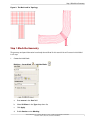
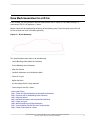
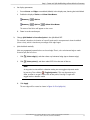
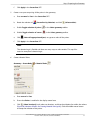
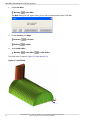
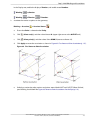
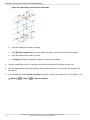
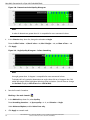
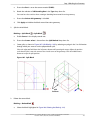
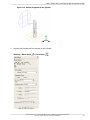
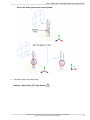
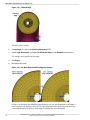
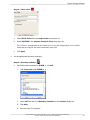
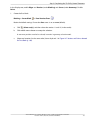
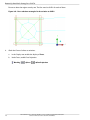
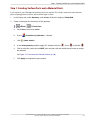
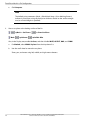
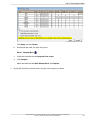
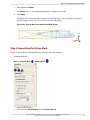
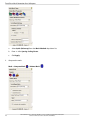
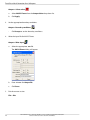
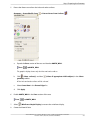
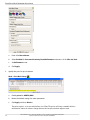
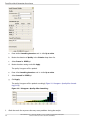
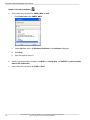
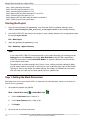
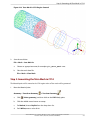
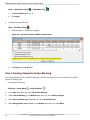
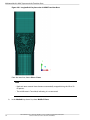
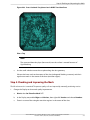
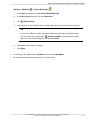
Compute the mesh.
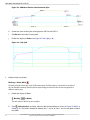
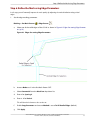
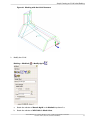
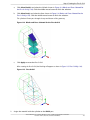
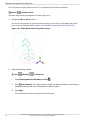
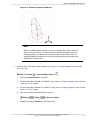
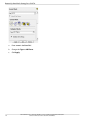
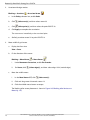
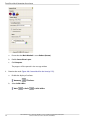
Mesh > Compute Mesh
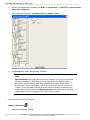
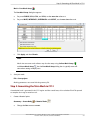
a.
> Volume Mesh
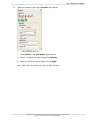
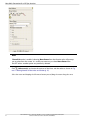
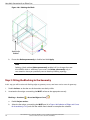
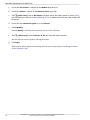
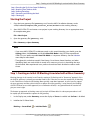
Ensure that the Mesh Method is set to Robust (Octree).
ANSYS ICEM CFD 15.0 - © SAS IP, Inc. All rights reserved. - Contains proprietary and confidential information of ANSYS, Inc. and its subsidiaries and affiliates.
255