1
Choice of microphone on the Receiver Unit
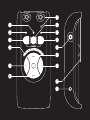
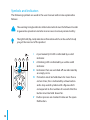
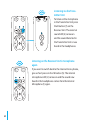
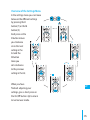
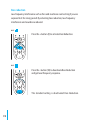
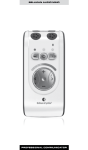
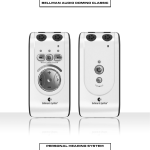
You can switch between omnidirectional and di-rectional microphone reception by pressing the M button (5). The omnidirectional microphone is indicated
by the Microphone LED (2) lighting up green and the
directional microphone by it lighting up orange.
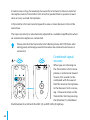
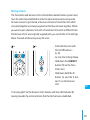
Choice of microphone on
the Transmitter Unit
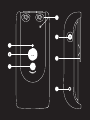
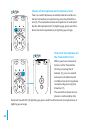
When you have chosen to
listen via the Transmitter
Unit by pressing the R
button (7), you can switch
between omnidirectional
and directional microphone
reception by pressing the
R button (7).
The omnidirectional microphone is indicated by the
External Sound LED (4) lighting up green and the directional microphone by it
lighting up orange.
64