1
3
Testing the Payment Client Installation
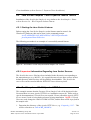
The Payment Client installation package contains a utility that will allow the systems
integrator to test the functionality of the Payment Client and connectivity with the
Payment Server.
3.1
Testing the Windows Payment Client
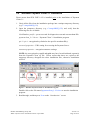
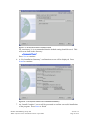
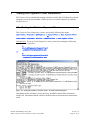
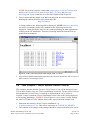
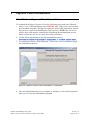
The Payment Client Diagnostics can be accessed by following the menu:
Start Menu > Programs > QSIPayments > PaymentClient > Test Payment Client
OR
Start Menu > Programs > Dialect > PaymentClient > Test Payment Client
Alternatively, Payment Client Diagnostics can be started by running the following
commands in a cmd shell:
C:
cd C:\QSIPayments\PaymentClient\
.\PaymentClientDiagnostics.exe
or
C:
cd C:\Dialect\PaymentClient\bin\
.\PaymentClientDiagnostics.exe
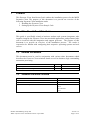
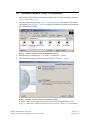
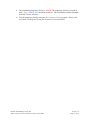
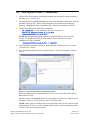
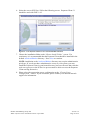
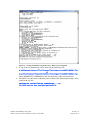
Figure 14 - Testing the Windows Payment Client - Payment Client Diagnostics
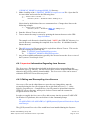
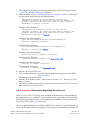
Depending on the merchant’s setup, they may do MOTO and/or SSL transaction
mode tests. Merchants should consult with their bank to determine their transaction
mode.
© 2004 ANZ Banking Group Ltd
MIGS Payment Client Installation Guide • April 2004
Version 1.2
Page 21 of 36