1
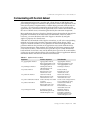
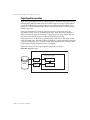
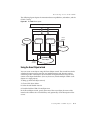
BDE-based architecture
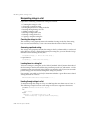
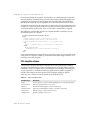
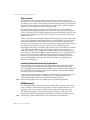
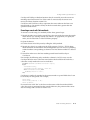
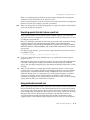
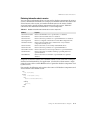
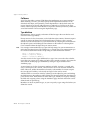
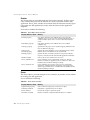
Renaming local tables
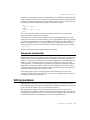
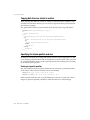
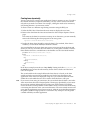
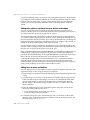
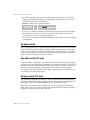
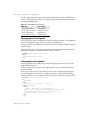
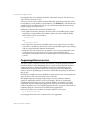
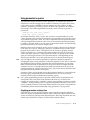
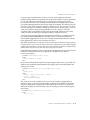
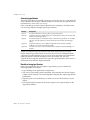
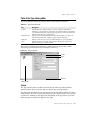
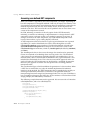
To rename a Paradox or dBASE table at design time, right-click the table component
and select Rename Table from the context menu.
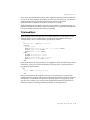
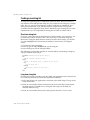
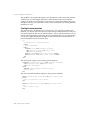
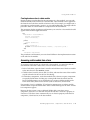
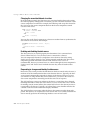
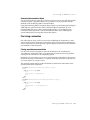
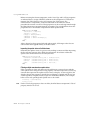
To rename a Paradox or dBASE table at runtime, call the table’s RenameTable method.
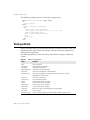
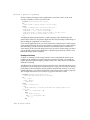
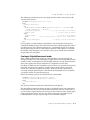
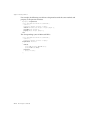
For example, the following statement renames the Customer table to CustInfo:
Customer.RenameTable(‘CustInfo’);
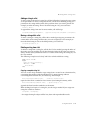
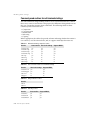
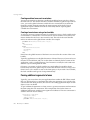
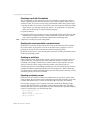
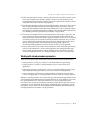
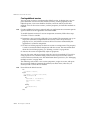
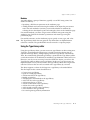
Importing data from another table
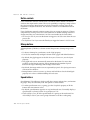
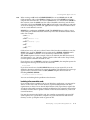
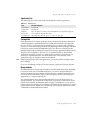
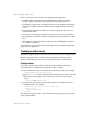
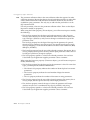
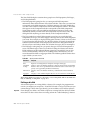
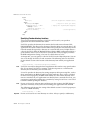
You can use a table component’s BatchMove method to import data from another
table. BatchMove can
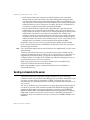
• Copy records from another table into this table.
• Update records in this table that occur in another table.
• Append records from another table to the end of this table.
• Delete records in this table that occur in another table.
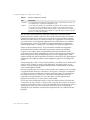
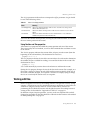
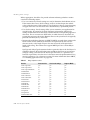
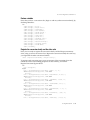
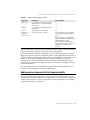
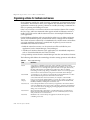
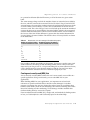
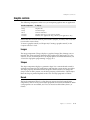
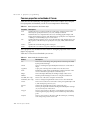
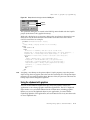
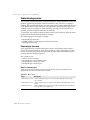
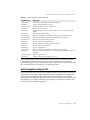
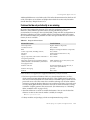
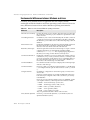
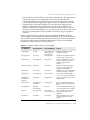
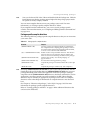
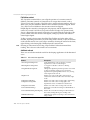
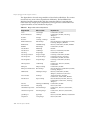
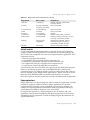
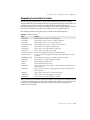
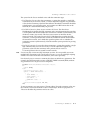
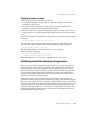
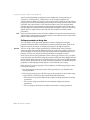
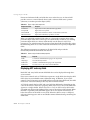
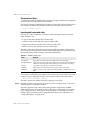
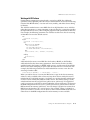
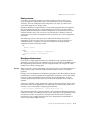
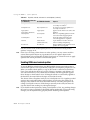
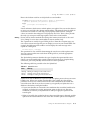
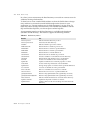
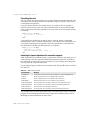
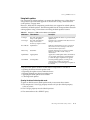
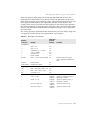
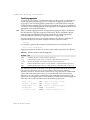
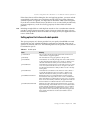
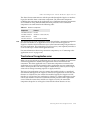
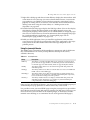
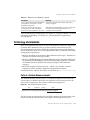
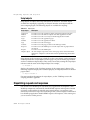
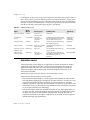
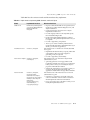
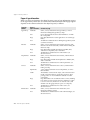
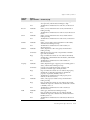
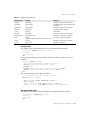
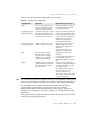
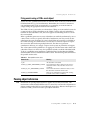
BatchMove takes two parameters: the name of the table from which to import data,
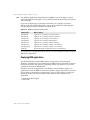
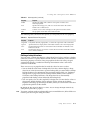
and a mode specification that determines which import operation to perform. Table
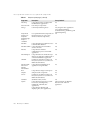
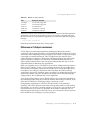
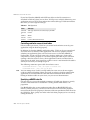
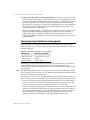
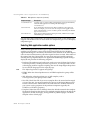
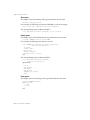
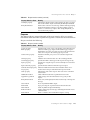
26.3 describes the possible settings for the mode specification:
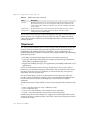
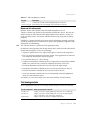
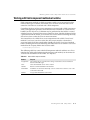
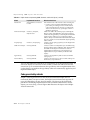
Table 26.3
BatchMove import modes
Value
Meaning
batAppend
Append all records from the source table to the end of this table.
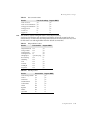
batAppendUpdate
Append all records from the source table to the end of this table and update
existing records in this table with matching records from the source table.
batCopy
Copy all records from the source table into this table.
batDelete
Delete all records in this table that also appear in the source table.
batUpdate
Update existing records in this table with matching records from the source
table.
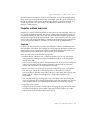
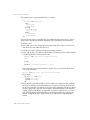
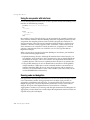
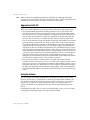
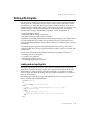
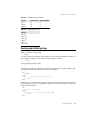
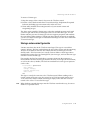
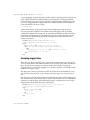
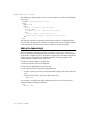
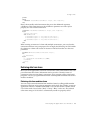
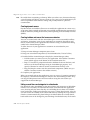
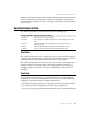
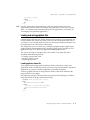
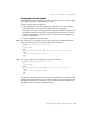
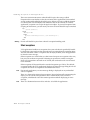
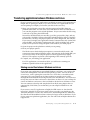
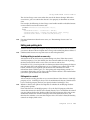
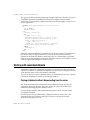
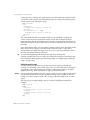
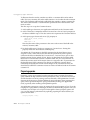
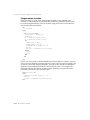
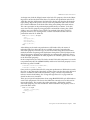
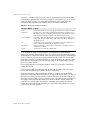
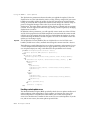
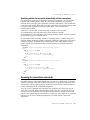
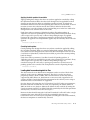
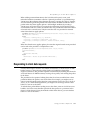
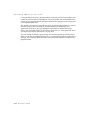
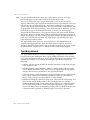
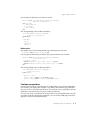
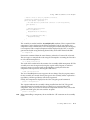
For example, the following code updates all records in the current table with records
from the Customer table that have the same values for fields in the current index:
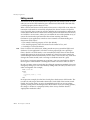
Table1.BatchMove('CUSTOMER.DB', batUpdate);
BatchMove returns the number of records it imports successfully.
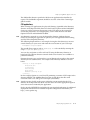
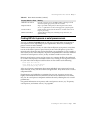
Caution
Importing records using the batCopy mode overwrites existing records. To preserve
existing records use batAppend instead.
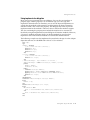
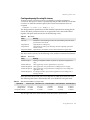
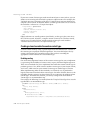
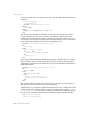
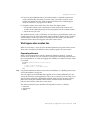
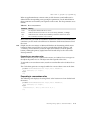
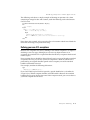
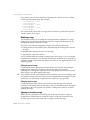
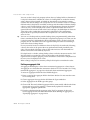
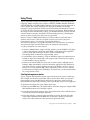
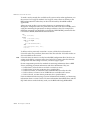
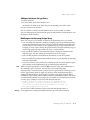
BatchMove performs only some of the batch operations supported by the BDE.
Additional functions are available using the TBatchMove component. If you need to
move a large amount of data between or among tables, use TBatchMove instead of
calling a table’s BatchMove method. For information about using TBatchMove, see
“Using TBatchMove” on page 26-49.
26-8
Developer’s Guide