1
Cam Viewer Pro
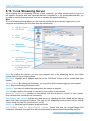
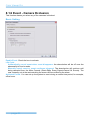
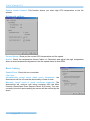
5.8 Setting – Monitor Display
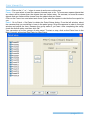
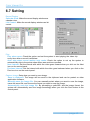
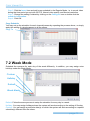
Playback Option
Cameras List
Auto Scan
Layout
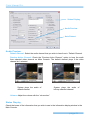
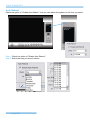
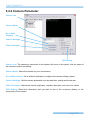
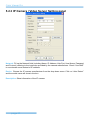
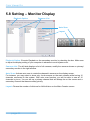
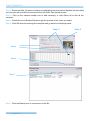
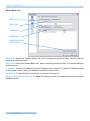
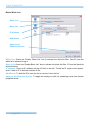
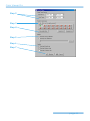
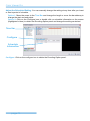
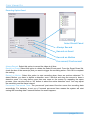
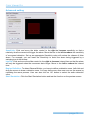
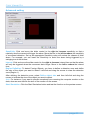
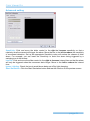
Playback Option: Execute Playback on the secondary monitor by checking the box. Make sure
to adjust the display setting of your computer in advance to avoid system error.
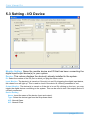
Cameras List: The left side displays a list of all cameras; modify the cameras shown on primary/
secondary monitor in the right window.
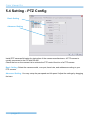
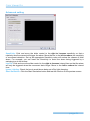
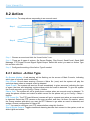
Auto Scan: Activate auto scan to rotate the channels/ cameras on the display screen.
For instance, you may select to show only 4 sub-screens on the main console while having 16
channels connected to the system. With auto scan function, you will be able to see all 16
channels by turns. You can set up a primary channel that will always be on the screen and a
secondary channel that has secondary priority.
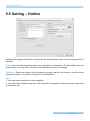
Layout: Choose the number of divisions for NxN division on the Main Console screen.
page-35