1
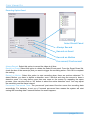
Cam Viewer Pro
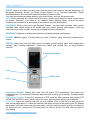
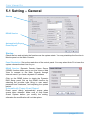
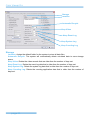
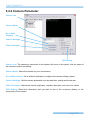
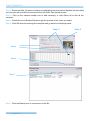
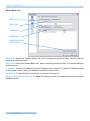
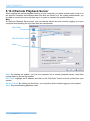
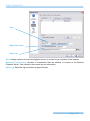
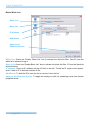
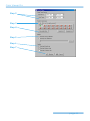
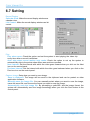
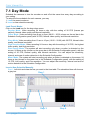
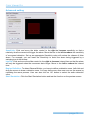
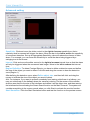
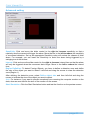
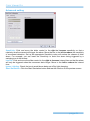
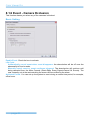
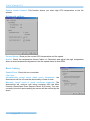
Encoding Option Panel
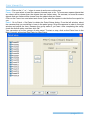
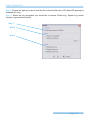
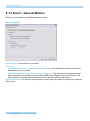
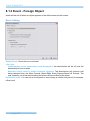
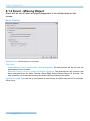
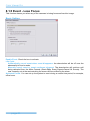
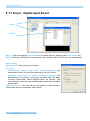
Select Event Panel
Always Record
Record on Event
Record on Motion
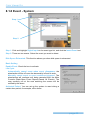
Pre-record/ Post-record
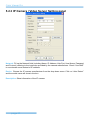
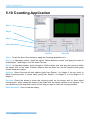
Always Record: Select this option to record the video at all time.
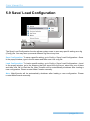
Record on Event: Select this option to obtain the Select Event panel. From the Smart Guard list,
check the box of the camera(s) that you want to trigger the recording action. Click OK to complete
the setting.
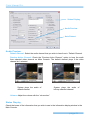
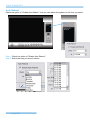
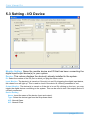
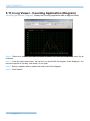
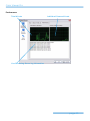
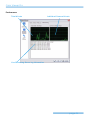
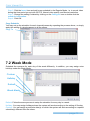
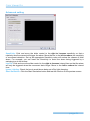
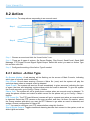
Record on Motion: Select this option to start recording when there are motions detected. To
detect Motion, you have to define a detection zone. Left-click and drag the mouse to draw a
detection zone. You may define more than one zone on the screen by repeating the same
process. User can also click on “All” button to select the entire detection zone. You may adjust
the sensitivity and the frame interval.
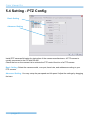
Pre-record/ Post-record Time: The pre-record/ post-record function saves the recording data
accordingly. For instance, to set up a 5 second pre-record time means the system will start
saving the recording data 5 seconds before the event happens.
page-74