1
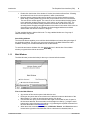
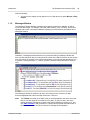
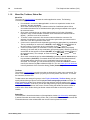
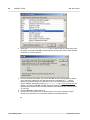
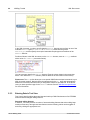
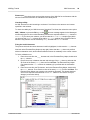
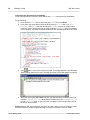
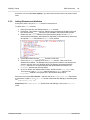
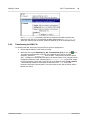
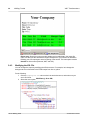
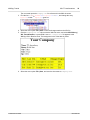
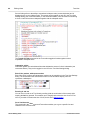
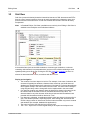
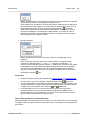
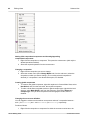
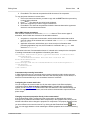
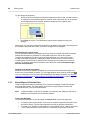
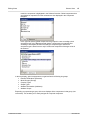
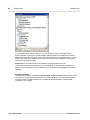
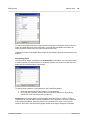
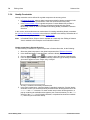
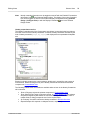
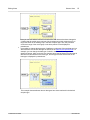
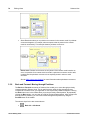
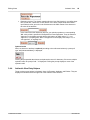
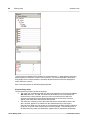
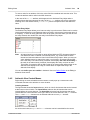
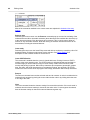
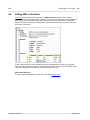
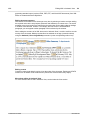
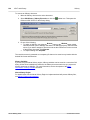
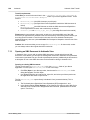
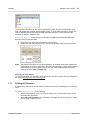
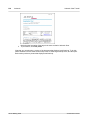
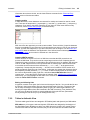
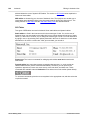
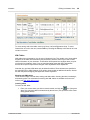
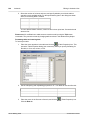
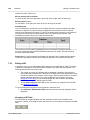
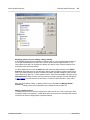
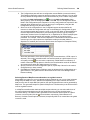
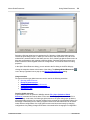
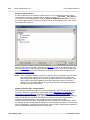
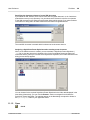
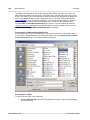
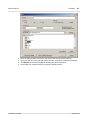
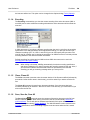
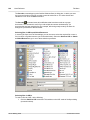
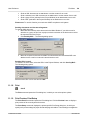
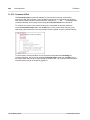
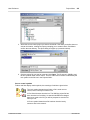
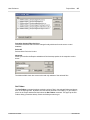
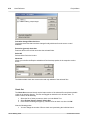
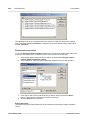
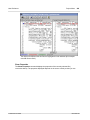
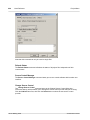
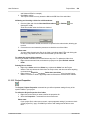
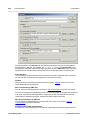
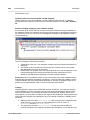
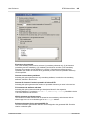
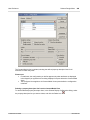
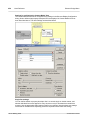
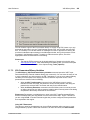
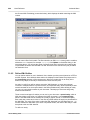
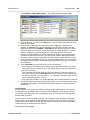
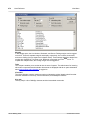
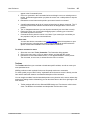
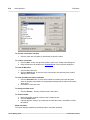
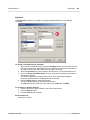
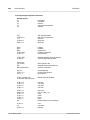
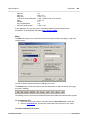
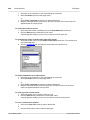
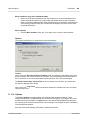
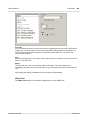
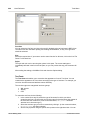
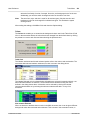
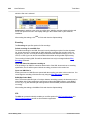
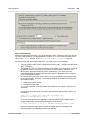
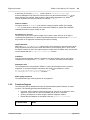
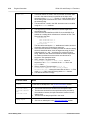
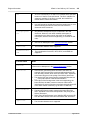
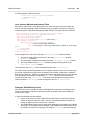
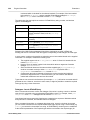
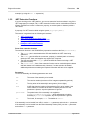
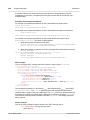
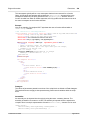
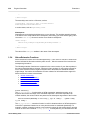
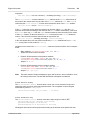
User Reference Schema Design Menu 249 The Content Model View is updated, showing the defined property descriptor lines for all elements for which they exist. Please note: For attributes, the configuration you define appears only when attributes are displayed in the diagram (as opposed to them being displayed in a pane below the Content Model View). The configured view applies to all Content Model Views opened after the configuration is defined. Deleting a property descriptor line from the Content Model View To delete individual property descriptor lines, in the Schema Display Configuration dialog, select the property descriptor line you want to delete, and click the Delete icon © 2009 Altova GmbH . User Manual