1
<Toc> <Ind> <Rev>
<Introduction>
i
Introduction
This instruction manual describes the functions and operation of the Model VJ77 PC-based
Parameters Setting Tool.
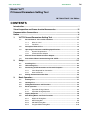
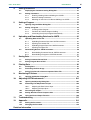
■ Configuation of This Manual
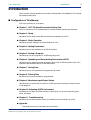
This manual consists of 12 chapters.
● Chapter 1 VJ77 PC-based Parameters Setting Tool
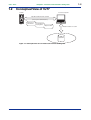
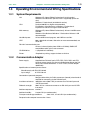
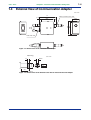
Gives an overview of VJ77 and describes its functions and the operating environment.
● Chapter 2 Setup
Describes how to setup the hardware and software required to use VJ77.
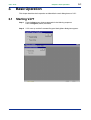
● Chapter 3 Basic Operation
Describes the basic operation and main windows of VJ77.
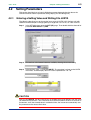
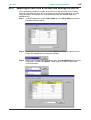
● Chapter 4 Setting Parameters
Describes how to set parameters of JUXTA instruments.
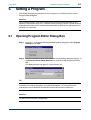
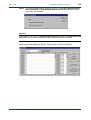
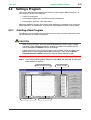
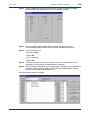
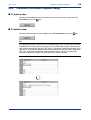
● Chapter 5 Setting a Program
Describes how to set a program for JUXTA computing units.
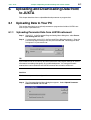
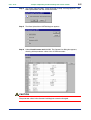
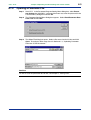
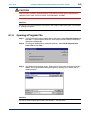
● Chapter 6 Uploading and Downloading Data from/to JUXTA
Describes how to upload parameter or program data inside JUXTA instruments from VJ77
and how to download the data to JUXTA instruments.
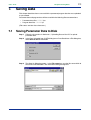
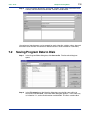
● Chapter 7 Saving Data
Describes how to save parameter or program data on a disk.
● Chapter 8 Printing Data
Describes how to print parameter or program data.
● Chapter 9 Monitoring Input/Output Values
Describes how to monitor the I/O values of JUXTA instruments and how to view the result
of self-diagnosis.
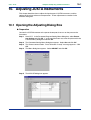
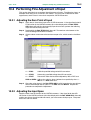
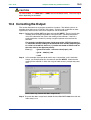
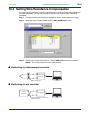
● Chapter 10 Adjusting JUXTA Instruments
Describes how to adjust JUXTA instruments’ input/output, how to correct the wiring resistance, and others.
● Chapter 11 Troubleshooting
Describes how to solve problems when any trouble has occurred while using VJ77.
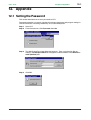
● Appendix
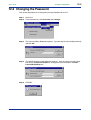
Describes how to set a password (security function).
Media No. IM 77J01J77-01E (FD)
5th Edition : Feb. 2011 (YK)
All Rights Reserved Copyright © 1999, Yokogawa Electric Corporation
IM 77J01J77-01E
5th Edition : Feb. 28, 2011-00