1
NAS System
Table of Contents
Preface ..................................................................................................................................... 3
Before You Begin .................................................................................................................. 4
Safety Guidelines............................................................................................................................................................................ 4
Packaging, Shipment and Delivery ........................................................................................................................................ 4
Chapter 1
Introduction ...................................................................................................... 5
1.1
Key Features .......................................................................................................................................................................... 5
1.2
Technical Specifications ................................................................................................................................................... 6
1.3
RAID Levels ............................................................................................................................................................................ 7
Chapter 2
Installation ........................................................................................................ 8
2.1
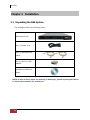
Unpacking the NAS System ........................................................................................................................................... 8
2.2
Identifying Parts of the NAS System ......................................................................................................................... 9
2.2.1
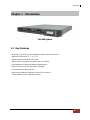
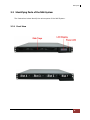
Front View ..................................................................................................................................................................... 9
2.2.2
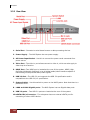
Rear View.................................................................................................................................................................... 10
2.2.3
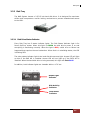
Disk Tray ..................................................................................................................................................................... 11
2.2.3.1
Disk Drive Status Indicator ........................................................................................................................ 11
2.2.3.2
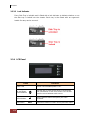
Lock Indicator .................................................................................................................................................. 12
2.2.4
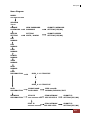
LCD Panel ................................................................................................................................................................... 12
Chapter 3
Getting Started with the NAS System ...................................................... 14
3.1
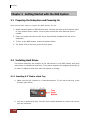
Preparing the Subsystem and Powering On ...................................................................................................... 14
3.2
Installing Hard Drives..................................................................................................................................................... 14
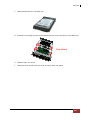
3.2.1 Installing 3.5” Disk in a Disk Tray ..................................................................................................................... 14
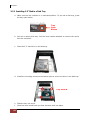
3.2.2 Installing 2.5” Disk in a Disk Tray ..................................................................................................................... 16
2
User Manual