1
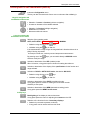
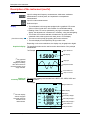
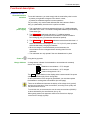
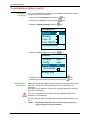
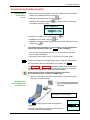
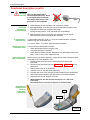
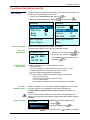
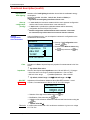
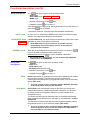
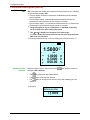
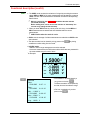
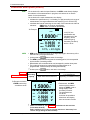
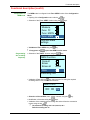
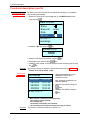
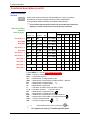
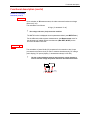
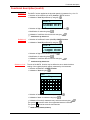
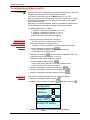
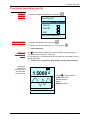
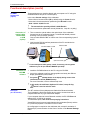
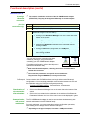
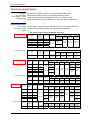
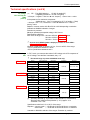
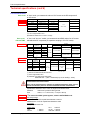
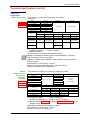
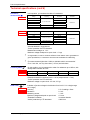
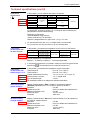
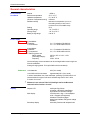
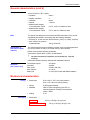
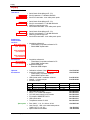
Functional description Functional description (cont'd) SPEC On the basis of the technical specifications, the SPEC mode directly displays the tolerance of the measurement in progress, so that there is no need to search for it and calculate it. On the basis of the main measurement, the display: indicates the specifications (x % of reading ± n digit) according to the type of measurement, the range selected and the frequency (in AC and AC+DC) calculates the interval containing the true value, if the instrument is within its tolerance: SMIN value minimum specification SMAX value maximum specification Example: SPEC 1.0000 V AC+DC 0 5 SMIN SMAX 0.9930 V 1.0070 V 10 In AC+DC, the specifications are calculated only if the frequency can be measured (see §. Secondary Functions) and is > 45 Hz. 0.3%, 40 digits MEM MEM mode records the contents of the digital display(s) in the memory of the instrument at a pre-programmed rate. A short press on starts a series of recordings. The MEM symbol flashes throughout the recording period; it is accompanied by the number of recordings made. Memorization of the measurements can be stopped by another short press. The number of values to be memorized for a measurement run is programmable: it therefore stops recording automatically. Another press on MTX 3281B Recording MTX 3282B, MTX 3283B capacity Example: activation starts a new series of recordings. 158 measurements per sequence 1 to 10 sequences 6500 measurements maximum 1 to 10 sequences (depending on available memory) AUTO of MEM mode during surveillance mode 1.5000 V DC -10 MIN MAX AVG 0 -1.0000 V 2.5000 V 1.3000 V 10 Furthermore, the MEM mode may be activated during the SURV mode or during display of the secondary functions. The parameters set are saved. It will then be possible to select them and display them as the main function. SURV MEM 2 (When it is started up, the MTX 3281B reinitializes the date and time (01:01:2000, 00:00:00). Before starting work, set the correct date and time to "date-stamp" the records. See §. Setting the date and time). 100,000-count Graphical Multimeters 21