1
Section 4 - D-ViewCam Installation
Add a Camera
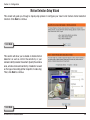
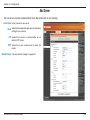
This section will show you how to add a camera to the D-ViewCam system.
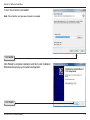
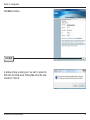
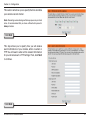
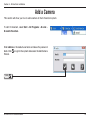
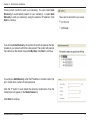
To start D-ViewCam, select Start > All Programs > D-Link >
D-Link D-ViewCam.
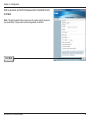
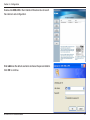
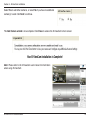
Enter admin as the default username and leave the password
blank. Click to log into the system and access the Add Camera
Wizard.
Click
D-Link DCS-3415 User Manual
75