1
Table of Contents
TABLE OF CONTENTS
Tag List Generator ............................................................................................ 1
TAG LIST GENERATOR and DF65 OPC Server Installation ........................................... 1
Required System .......................................................................................................................................................... 1
Preparing the Installation ............................................................................................................................................ 1
Introduction ........................................................................................................................ 1
Using the Tag List Generator ............................................................................................ 2
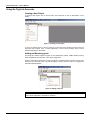
Creating a New Project ................................................................................................................................................ 2
Adding and Removing ports ....................................................................................................................................... 2
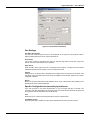
Port Settings ................................................................................................................................................................. 3
Specific Configuration for the serial physical mean ................................................................................................. 3
Specific configurations for communication via Ethernet ......................................................................................... 4
Adding a New Port ....................................................................................................................................................... 4
Editing/ Removing Ports.............................................................................................................................................. 4
Redundancy........................................................................................................................ 5
Application Example .................................................................................................................................................... 5
The main path ............................................................................................................................................................... 5
The redundant path...................................................................................................................................................... 6
Adding or Removing a Configuration............................................................................... 6
Adding a Configuration ............................................................................................................................................... 7
Editing/Removing a Configuration / Device ..................................................................... 9
Saving the Project .............................................................................................................. 9
The OPC Menu.................................................................................................................... 9
Registering the Project ................................................................................................................................................ 9
Generating the Tag List Table ................................................................................................................................... 10
Verifying the Active Tag List table............................................................................................................................ 11
Viewing the Tag List Table .............................................................................................. 11
Tag List ....................................................................................................................................................................... 11
MCT ............................................................................................................................................................................. 11
Conversions...................................................................................................................... 19
Type of conversion .................................................................................................................................................... 19
Status provided by the DF65 OPC Server ...................................................................... 22
Block View Status ...................................................................................................................................................... 23
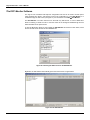
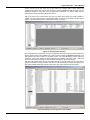
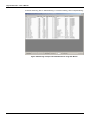
The OPC Monitor Software .............................................................................................. 24
III