1
SINUS K
PROGRAMMING
INSTRUCTIONS
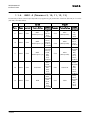
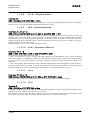
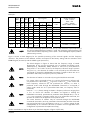
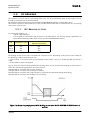
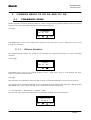
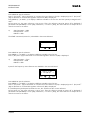
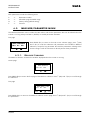
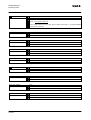
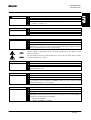
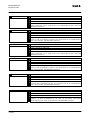
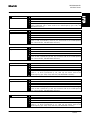
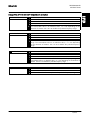
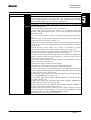
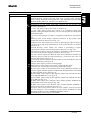
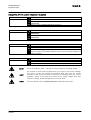
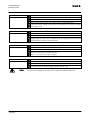
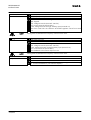
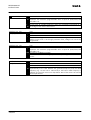
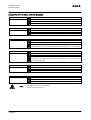
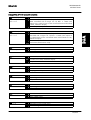
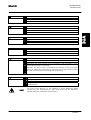
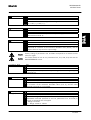
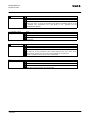
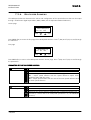
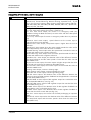
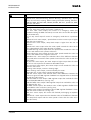
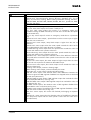
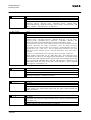
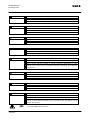
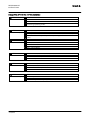
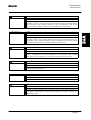
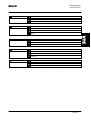
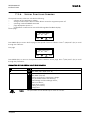
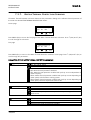
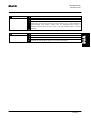
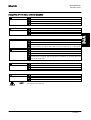
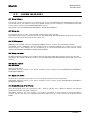
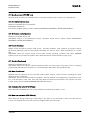
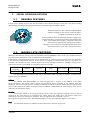
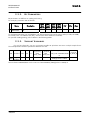
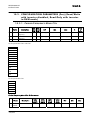
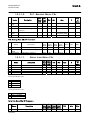
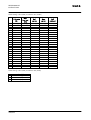
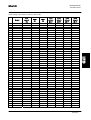
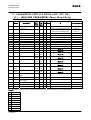
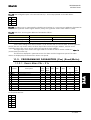
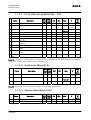
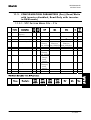
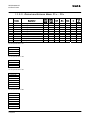
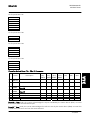
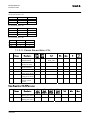
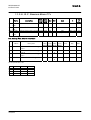
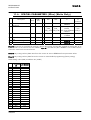
Each parameter includes the following items:
P
R
D
F
⇒
⇒
⇒
⇒
Parameter number
Allowable programmable range
Factory setting (default setting)
Function
6.2.
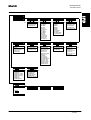
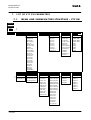
MEASURE/PARAMETER MENU
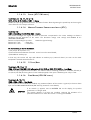
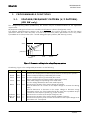
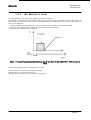
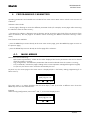
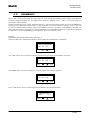
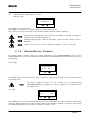
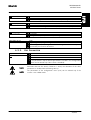
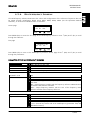
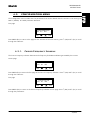
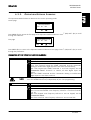
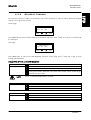
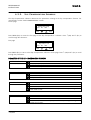
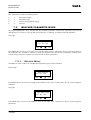
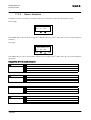
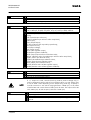
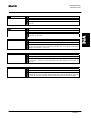
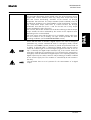
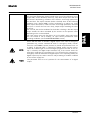
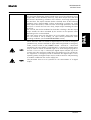
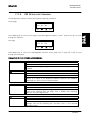
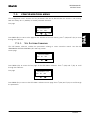
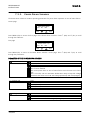
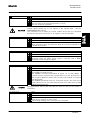
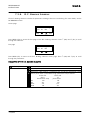
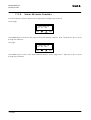
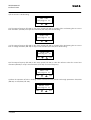
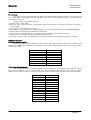
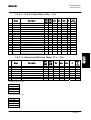
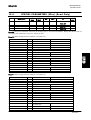
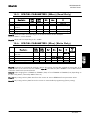
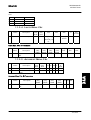
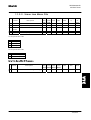
The Measure/Parameter menu includes the Mxx values and the Pxx parameters that can be altered when the
inverter is running. Always set P00=1 (default) to enable parameter alteration.
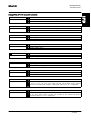
First page
MEAS./PARAMETE
REsc Prv Nxt
PROG
SAVE
6.2.1.
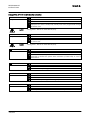
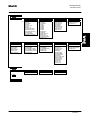
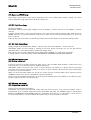
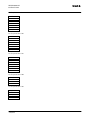
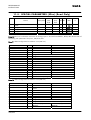
Press PROG (Esc) to return to the main menu selection page; press ↑ (Nxt)
and ↓ (Prv) to scroll the submenus. All parameters are included in different
submenus, except for key parameter P01 and the parameters relating to the
inverter ratings. Scroll the submenus to directly access these parameters.
M EASURE S UBMENU
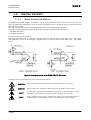
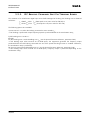
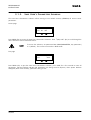
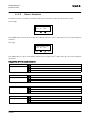
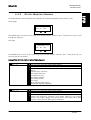
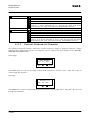
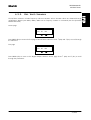
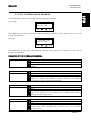
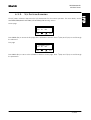
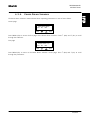
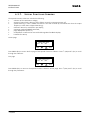
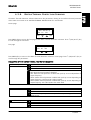
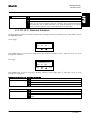
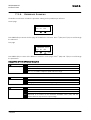
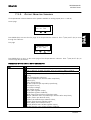
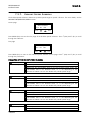
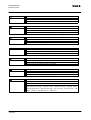
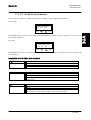
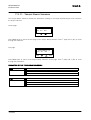
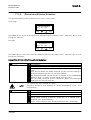
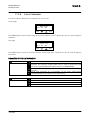
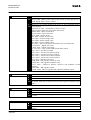
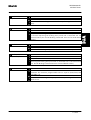
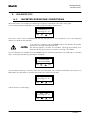
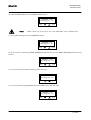
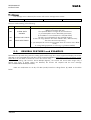
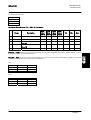
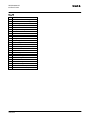
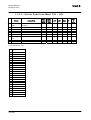
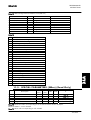
The Measure submenu contains the variables displayed when the inverter is running.
Access page
Menu Measure
Ent Prv Nxt
PROG
SAVE
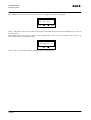
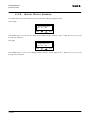
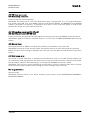
Press PROG (Ent) to access the first page of the Measure submenu. Press ↑ (Nxt) and ↓ (Prv) to scroll through
the submenus.
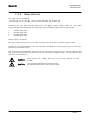
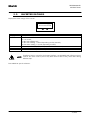
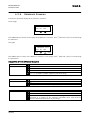
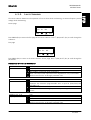
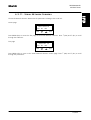
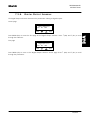
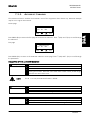
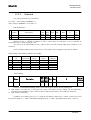
First page
Menu Meas. 1/23
Esc Prv Nxt
PROG
SAVE
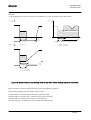
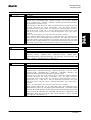
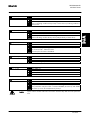
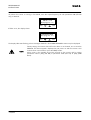
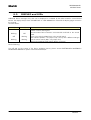
Press PROG (Esc) to return to the Measure submenu access page. Press ↑ (Nxt) and ↓ (Prv) to scroll through
the parameters.
60/235