1
4.9
4.9.6
Mechanical Reset
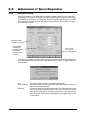
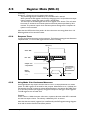
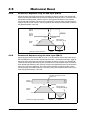
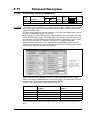
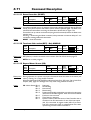
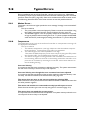
Using MotoWare to Set Up Zero Search.
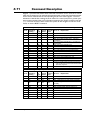
The easiest way to access all the parameters used for zero search is to use the MotoWare
parameter setup.
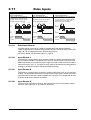
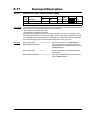
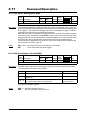
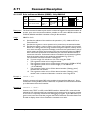
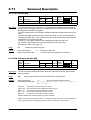
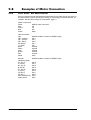
ZA
ZV
ZD
ZM
ZR
HML
HM
The acceleration used for zero search.
The velocity used for zero search.
The direction used for zero search when it is started.
Zero search mode. See the other pages in this section, which explains in detail
how the different zero search modes are carried out.
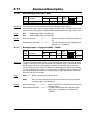
If the zero search must be started automatically after power up, this checkbox
must be selected.
The active level for the actual sensor used for zero sensing. For some modes
(i.e. mode 1 - using index) this field can be by-passed since the value is not
used.
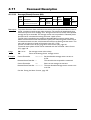
Show the actual level at the HM input. Actual level means that high (a dot in
the field) is when the input is applied a voltage corresponding to logic 1. See
also Technical Data, page 182.
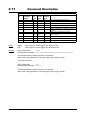
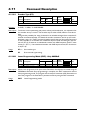
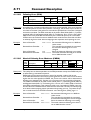
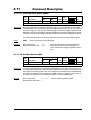
After adjusting the necessary parameters, they can be sent by pressing the Send Setup
button. Remember that all the other parameters also will be sent.
JVL Industri Elektronik A/S - User Manual - AC Servo Controller AMC20/21/22
77