1
LISTENING TO MUSIC
EN
The Wi-Fi IP Radio device is a high-performance audio player that can play music from various types of source.
You can use it to listen to Internet radios all over the world, local FM broadcasting services, music files in your
computer, and even music files in portable MP3 players.
The following part of this manual explains how to listen to the music using the Wi-Fi IP Radio device.
Listening to Internet Radio
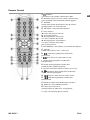
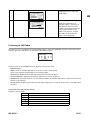
Commands from the remote control:.
Go to preview/next station.
Back to station list.
Vol -,
Vol +,
Decrease the hearing level.
Increase the hearing level.
Add (or cancel) the song from (to the) list of favourites.
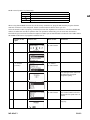
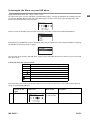
To listen to music or programs on Internet radio stations, select the "Internet Radio" function in the main menu
and then press the "OK" button to activate the Internet Radio function.
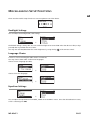
The first screen of the Internet Radio function displays a choice of 2 items:
"Station List": Retrieves the Internet radio station lists from the Internet server.
"Favorite Stations": Retrieves the favorite station lists stored in the device.
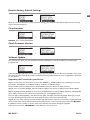
Press the "OK" button or the "
" button to retrieve the Station List.
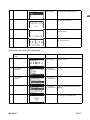
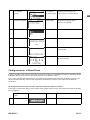
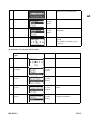
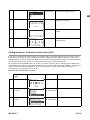
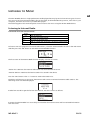
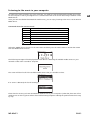
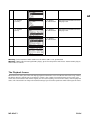
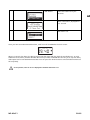
The device will then try to connect to the Internet radio server to retrieve the Internet radio stations. The
following screen should be displayed:
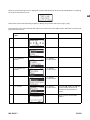
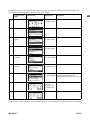
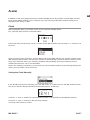
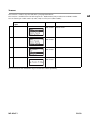
It takes few seconds to get the list from the Internet. The next screen is as follows.
It means the Wi-Fi IP Radio has successfully connected to the Internet server and has retrieved information
from the server.
MD 85651
EN-19