1
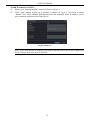
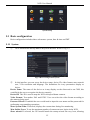
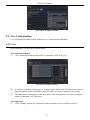
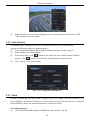
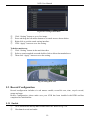
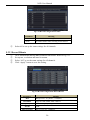
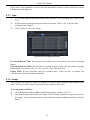
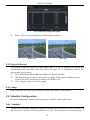
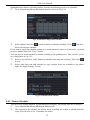
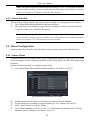
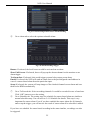
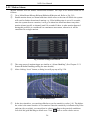
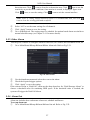
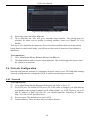
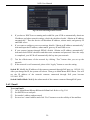
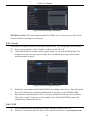
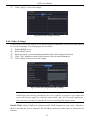
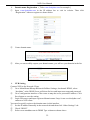
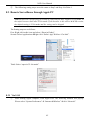
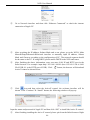
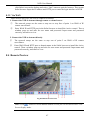
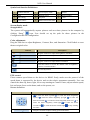
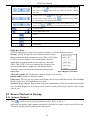
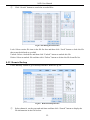
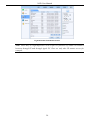
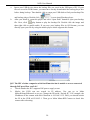
NVR User Manual Fig 5-8 Live Configuration-Mask ② ③ ④ ⑤ Click “Setting” button to go to live image. Press and drag the left mouse button to set mask area as shown below. Right click to exit the mask setting interface. Click “Apply” button to save the setting. To delete mask area: ① Click “Setting” button in the mask interface. ② Select a certain masked area and double click to delete that masked area. ③ Then click “Apply” button to save the setting. Fig 5-9 Setting Mask Area 5.3 Record Configuration Record configuration includes six sub menus: enable, record bit rate, time, recycle record, stamp and snap. Before Configuration, please make sure your NVR has been installed with HDD and has completed its initialization. 5.3.1 Enable ① ② Go to Main MenuSetupRecordEnable tab. Refer to Fig 5-10. Checkmark record and audio. 19