1
1. Introduction
This is the user manual for Osiris Teacher. For further details of the application please find more
information in the FAQ and instructional films w hich are placed on the w ebsite educational
applications UT.
1.1 Which brow ser to use?
Osiris is fully compatible w ith Chrome and Firefox. On these platforms Osiris w ill perform best.
Internet explorer is not supported by Osiris.
We recommend to not save the UT ICT passw ord.
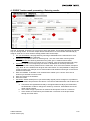
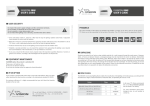
1.2 Go to OSIRIS TEACHER
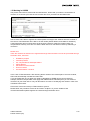
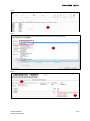
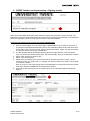
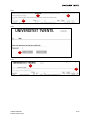
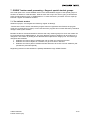
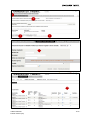
In the w ebapps you can select the application OSIRIS
Teacher. Please enter your university details to get access
to OSIRIS teacher.
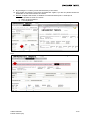
1.3 Which roles exist?
In consultation w ith the project group and follow ing the
advice of colleagues, tw o profiles and three roles have
been defined. With these profiles w e can define the rights of the user roles in Osiris.
Subject:
ROLE: TUTOR
ROLE: Lecturer
ROLE: Examinator
Profile: limited (Lecturer)
Can see the results.
Can NOT register
results.
Can see the results.
Can NOT register
results
Can results register.
Can NOT fix results.
Can register results.
Can NOT fix results.
Can register results.
Can fix results.
Can register results
Can register results
Profile: extended
(Examinator)
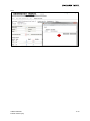
1.4 Ba (TOM ) and M a (and old Ba) terms vs. OSIRIS terms
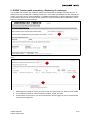
In OSIRIS there is a split up betw een courses and exams of ' old ' education and 'TOM ' education. In
the follow ing table one can see the differences. TOM results have to be registered w ith a decimal
point, M aster and old Ba have have to be registred as a rounded mark.
In OSIRIS
Exams
Course
OSIRIS TEACHER
M anual teachers (UK)
M a (and Ba old)
Exams
Course
Ba (TOM )
M odule part
M odule
3/19