1
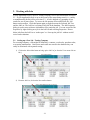
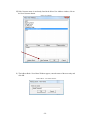
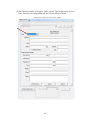
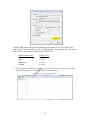
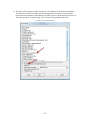
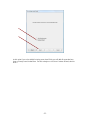
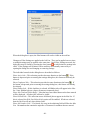
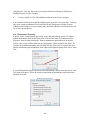
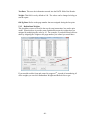
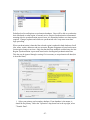
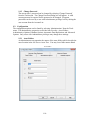
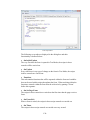
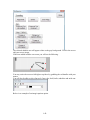
The selected editable area will appear white on the gray background. Click in the area to
add your text or image.
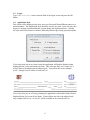
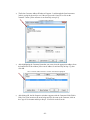
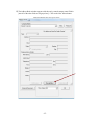
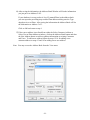
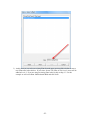
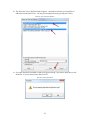
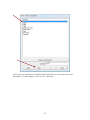
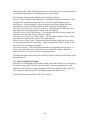
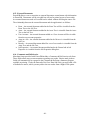
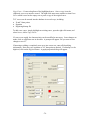
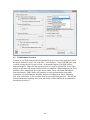
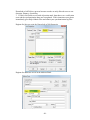
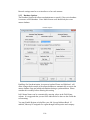
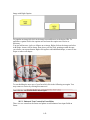
If the item added includes a text area you will see the following.
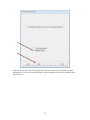
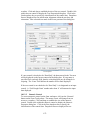
You may resize the text area left/right or up/down by grabbing the red handles with your
mouse.
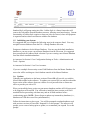
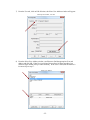
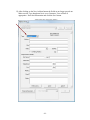
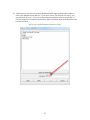
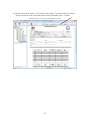
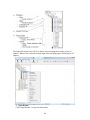
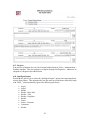
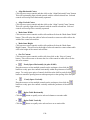
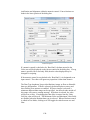
You will also be able to select font style, font color, bold, italic, underline and strike out.
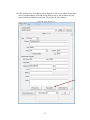
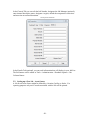
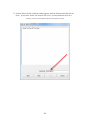
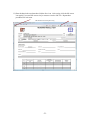
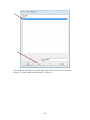
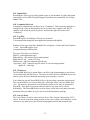
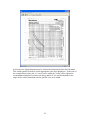
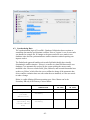
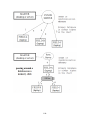
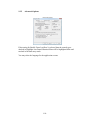
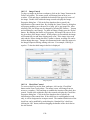
Below is an example of an image/captions option.
-142-