1
TS2 user manual V2.0.0
Figure 2.14 SMTP Account Setup
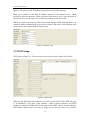
2.9 Media Stream Setup
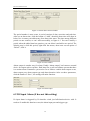
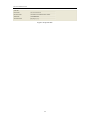
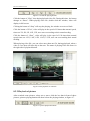
Media Stream Setup is as figure 2.15.
Access Protocol: while the device is in public network, TCP is a better choose, while
the device and the user are the same network then UDP is a better choose.
The default WEB port is 80. You can change it at will. But if you change it as 8080,
then you enter 192.168.0.123:8080 for accessing the device.
All the port in the interface can change at will but can not be the same or the used port
such as 3000, 8888. When you do not want to set the port as default port them must
bigger than 1000. Only when the three ports set legitimate value you can normally
access the device.
Figure 2.15 Media Stream Setup
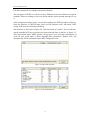
2.10 Platform Setup
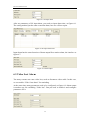
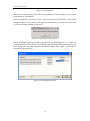
Platform Setup is as figure 2.16.
Figure 2.16 Platform Setup
The device can login platform server on the premise that the server IP and Server port
is corresponding to the server. The server account and password can enter them wt
will. Of course enable login server is indeed.
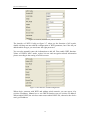
2.11 PPTP Setup
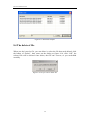
PPTP Setup is as figure 2.17.
16