1
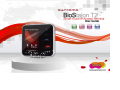
BioStation T2 User Guide
4
Admin Menu
■ Camera Event
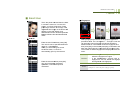
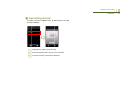
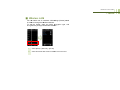
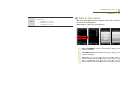
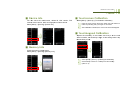
When a camera event occurs, the camera will start recording when
the event begins and then save the still image log. Camera events
can be set up through BioStar only. On the terminal, the events
can only be checked.
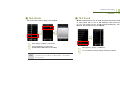
1
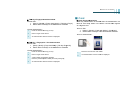
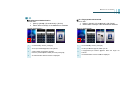
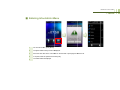
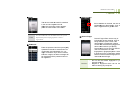
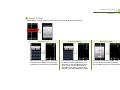
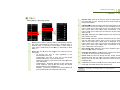
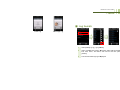
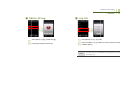
Select [Menu] > [Mode] > [Camera Event].
2
You can check the settings through the BioStar software.
81