1
 0HQX&RQILJXUDWLRQ
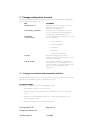
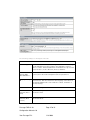
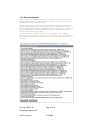
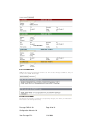
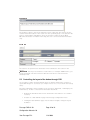
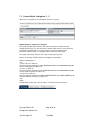
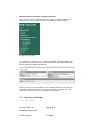
Passage offers t he possibilit y t o configure t he navigat ion of t he Passage dat abase in
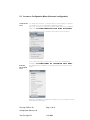
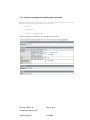
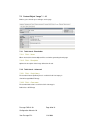
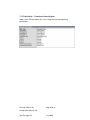
t he Not es client . On t he t ab “Menu Configurat ion” you’ll find t he code t hat is used t o
cr eat e t he m enu in t he edit environm ent .
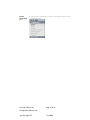
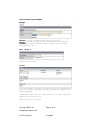
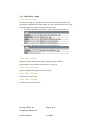
The “Reset m enu” w ill creat e but t ons for all t he default cont ent t ypes as w ell as t he
specific configured library t y pes. Clicking “Updat e m enu” w ill replace t he exist ing
but t ons w it h t he but t ons defined by clicking t he “Reset m enu” but t on. I t is possible t o
rem ove cert ain but t ons from t he code before clicking t he “Updat e m enu” but t on,
hereby rem oving t hem from t he m enu.
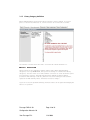
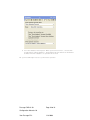
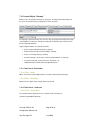
I n Passage CMS 3.0, a m inim al ACL access level of “Designer” w as needed t o
successfully execut e t he act ion. From v ersion 3. 10 and up t he act ual updat ing is done
by an agent in t he backend, t he m inim al ACL access level of designer is no longer
necessary.
Passage CMS v3.30
Page 19 of 81
Configuration Manual v1.0
Your Passage B.V.
11-8-2008