1
RP1200 User‟s Manual
33
3.
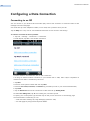
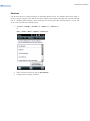
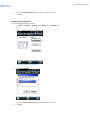
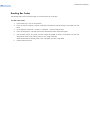
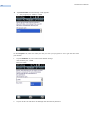
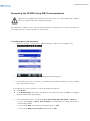
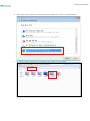
From the Choose Network window, select the network to use.
4.
Tap OK.
Viewing Available Networks
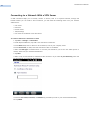
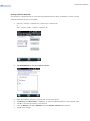
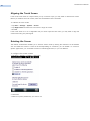
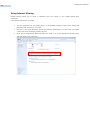
To view all wireless networks available:
1.
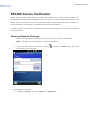
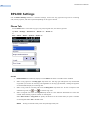
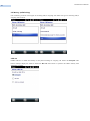
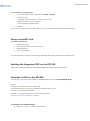
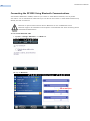
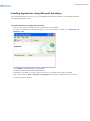
Tap Start > Settings > Personal tab > Phone icon > Network tab.
or
Start > Phone > Options > Network tab.
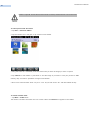
Phone Window - Network Tab
2.
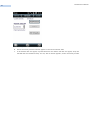
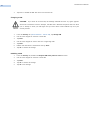
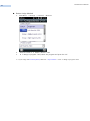
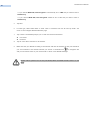
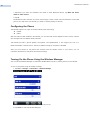
Tap Find Network.
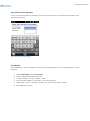
Choose Network
3.
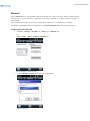
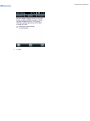
From the Choose Network window, select the network to use.
4.
Tap OK.