1
4 Using the unit
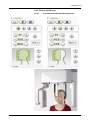
4.5.3 Scout image
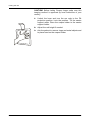
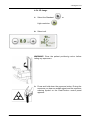
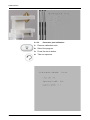
WARNING! Close the patient positioning mirror before
taking any exposures.
206718 rev 4
1.
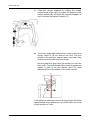
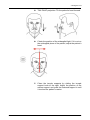
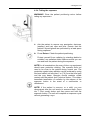
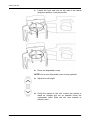
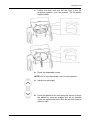
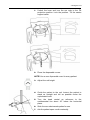
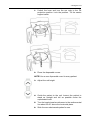
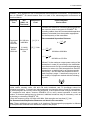
Press and hold down the exposure button. During the
exposure you hear an audible signal and the exposure
warning symbol on the ClearTouchTM control panel
appears.
2.
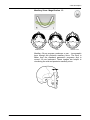
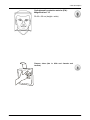
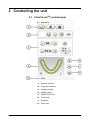
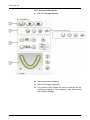
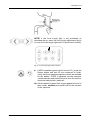
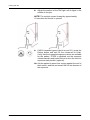
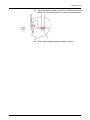
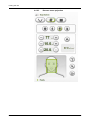
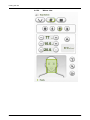
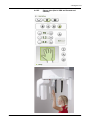
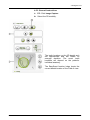
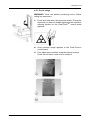
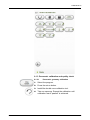
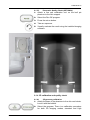
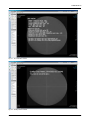
Scout preview image appears to the ClearTouchTM
control panel.
3.
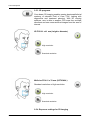
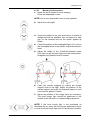
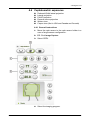
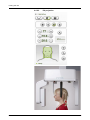
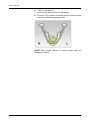
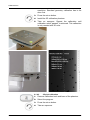
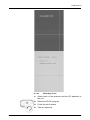
Fine adjust scout position using the side arrow keys.
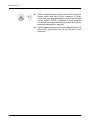
Press the left lower corner icon to continue.
SOREDEX
65