1
Export
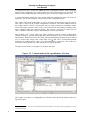
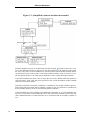
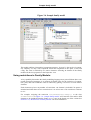
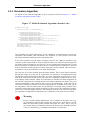
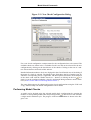
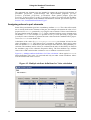
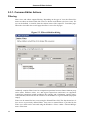
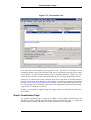
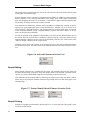
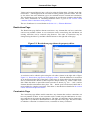
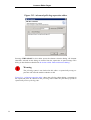
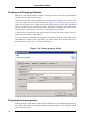
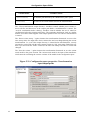
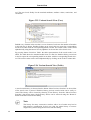
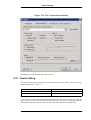
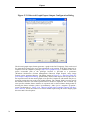
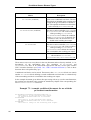
Figure 5.33. Directed Graph Export Output Configuration Dialog
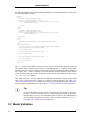
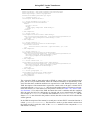
The directed graph export format generates a graph in the DOT language. This can be used
for generation of images for use in documentation or for printing. If the DOT language interpreter from the GraphViz package (http://www.graphviz.org/) is installed in the computers executable path or the packages location is provided as a preference
(Windows->Preferences->Variant Management->Directed Graph Export), many image
formats can be generated directly. The dialog shown in Figure 5.33, “Directed Graph Export Output Configuration Dialog” permits many details of the output, such as paper size or
the layout direction for the model graph, to be specified. Graphs for sub-models may be exported by setting the root node to any model element. The “Depth” field is used to specify
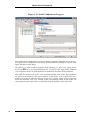
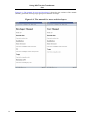
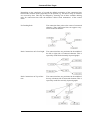
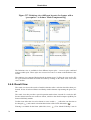
the distance below the root node beyond which no nodes are exported. The “Colored” option specifies whether feature models are exported with a colored feature background indicating the feature relation (yellow=”ps:mandatory”, blue=”ps:or”, magenta=”ps:option”,
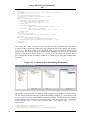
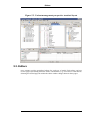
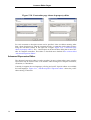
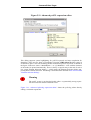
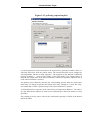
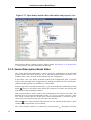
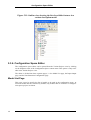
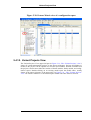
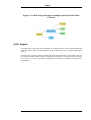
green=”ps:alternative”). Figure 5.34, “Directed graph export example (options LR direction, Colored)” shows the results of a feature model export using the Left to Right graph
direction and Colored options.
78