1
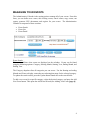
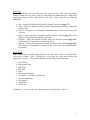
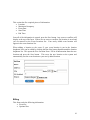
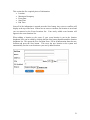
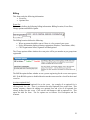
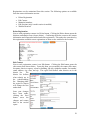
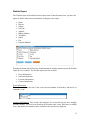
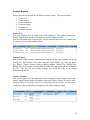
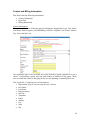
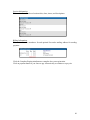
This section has five required pieces of information:
• Location
• Maximum Occupancy
• Event Date
• Start Time
• End Time
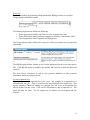
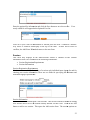
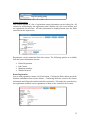
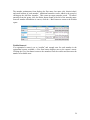
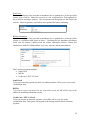
Once all of the information is entered press the Save button. Any errors or conflicts will
display at the top of the form. If there are no errors or conflicts, the location is saved and
you are returned to the Event Locations list. Your newly added event location will
appear in the event locations list.
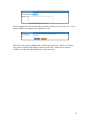
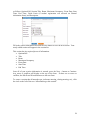
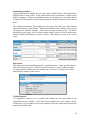
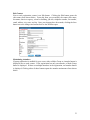
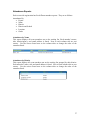
When adding a location to the event, if your event location is not in the location
dropdown list it can be added by clicking the blue New button found beneath the location
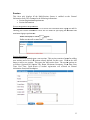
dropdown list. This opens the New Location Form. Fill in all information about the new
location and press the Save button. This saves the new location to the system and
automatically sets the event location to your newly added location.
21