1
Section 3: Coniguration
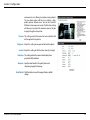
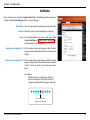
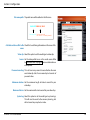
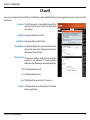
Global View: This window indicates the total ield of view (FOV) of the camera. The
red box indicates the visible region of interest (ROI).
Language: You may select the interface language using this menu.
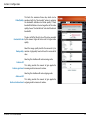
Video Proile 1
Record a Video Clip
Video Proile 2
Set a Storage Folder
Video Proile 3
Listen/Stop Audio In (from microphone)
Full screen mode
Start/Stop Audio Out (to speaker)
Taking a Snapshot
Start/Stop Digital Output
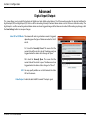
Go To: If any presets have been deined, selecting a preset from this list will
(Preset List) display it.
D-Link DCS-7413 User Manual
27