1
Starting a New Company
To set up the company in the payroll program, open the payroll program by going onto
your Hard Drive, into the Applications folder and into the Aatrix Top Pay folder and
double click on the Aatrix Top Pay application to open the program.
If you have not entered your Customer Number and Registration Code for the Tax
Tables, it will prompt you. This would have been sent to you by email or if you ordered a
CD it would accompany it.
Once you have entered the Customer Number and Registration Code it will bring up a
box asking if you want to register the program. This will take you to our website so you
can fill in information for our records about your company.
Then you will come to the Company Selection Screen.
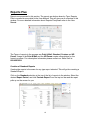
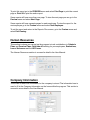
Click on New Company. This will launch the Setup
Wizard which will walk you thru entering information
about your company and employees. Click Next in the
first screen.
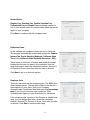
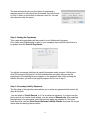
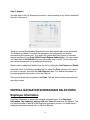
Entering the Company Information
The first screen will have you enter the information
about the company. The fields in red are required
fields.
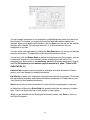
Once you have entered the company information click
the Next button.
2