1
e-Racer: Faculty Guide
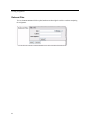
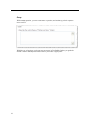
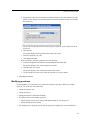
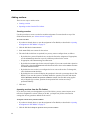
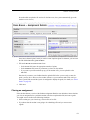
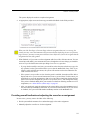
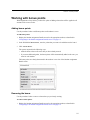
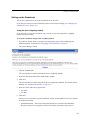
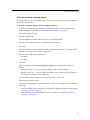
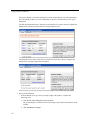
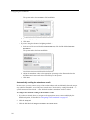
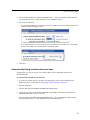
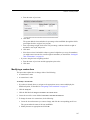
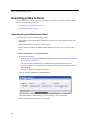
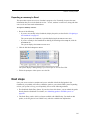
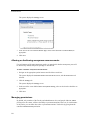
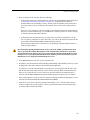
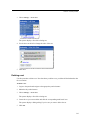
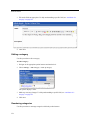
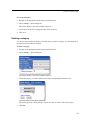
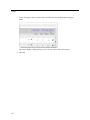
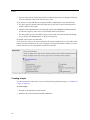
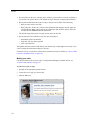
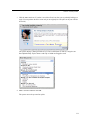
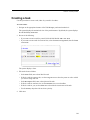
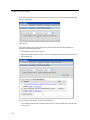
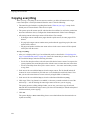
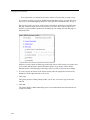
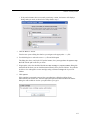
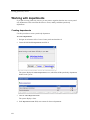
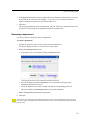
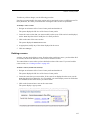
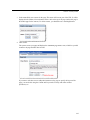
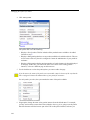
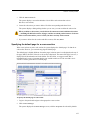
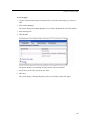
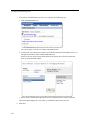
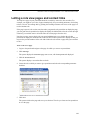
3 In the Name field, enter a name for the page. This name will become part of the URL. It will be
displayed in the sidebar, in breadcrumbs, and as a title at the top of the page (unless this page is
the default page for the context). For these reasons, you should choose a meaningful name.
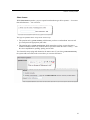
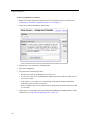
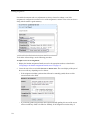
4 Click Create.
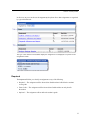
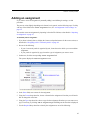
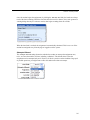
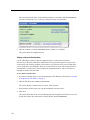
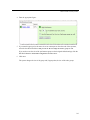
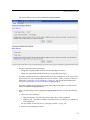
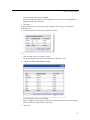
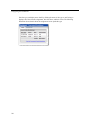
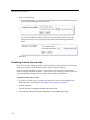
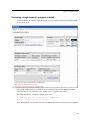
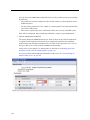
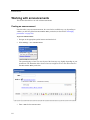
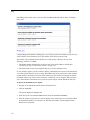
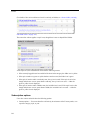
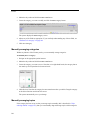
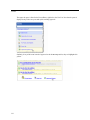
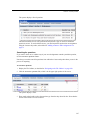
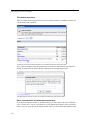
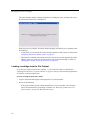
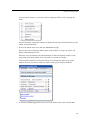
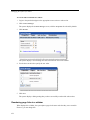
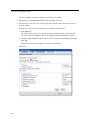
The system creates your page and displays the Customize page name screen, which lets you add
content to the page and take other actions.
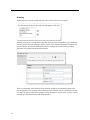
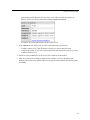
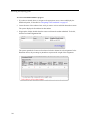
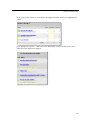
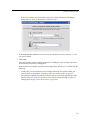
If you want to take time now to add portlet instances to the page or specify the layout of the
page, you can do this using the Content and Layout tabs. For help with either of these
procedures, see
443