1
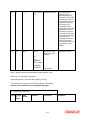
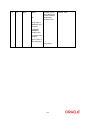
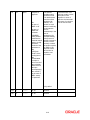
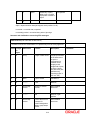
Each network and clearing message type/category has a fixed format that needs to be handed off
from or uploaded into Oracle FLEXCUBE. Therefore you will need to specify the format in which
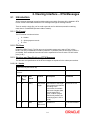
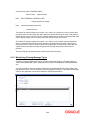
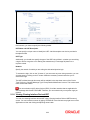
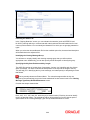
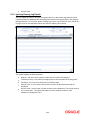
data is to uploaded and handed-off. You can do this through the ‘Group Details Maintenance’
screen. You can invoke this screen by typing ‘IFDTXNDT’ in the field at the top right corner of the
Application tool bar and clicking the adjoining arrow button.
Through this screen you can establish a mapping between the Local Payments module of Oracle
FLEXCUBE to fields that are required by the network. A predefined set of Clearing Message
Types will be shipped along with the software. You can change the default attributes of these
message types to suit the requirements of your bank.
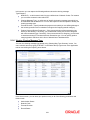
Network ID
The Oracle FLEXCUBE Clearing Gateway is a common channel for data exchange between
Oracle FLEXCUBE and the local clearing networks applicable. The details of the applicable local
clearing networks are maintained in Oracle FLEXCUBE. You can define the process direction for
each of these clearing networks, through the ‘Clearing Message Type Maintenance’ screen
You can select the ID assigned to the Network whose tag names need to correspond with those
maintained in Oracle FLEXCUBE.
On selection of the network from the available option-list, the description gets defaulted
alongside.
Process Direction
The format for hand-off from Oracle FLEXCUBE is different from the format for upload into Oracle
FLEXCUBE. Therefore, you need to indicate the process direction for which the format is being
defined.
The options are:
Incoming (for upload into Oracle FLEXCUBE)
Outgoing (for hand-off from Oracle FLEXCUBE)
2-35