1
Section 21: MIDI
21.1
MIDI Show Control
MIDI Show Control (MSC) is supported on every console in the Hog family including Hog 4PC.
Midi Show control allows you to control the basic playback functionalities of the Hog 4 OS from
other MSC enabled consoles or from a Midi Show Control output device such as a personal
computer running show control software.
21.1.1
Bringing MSC into the Console
To bring MSC into a Hog Console:
1.
Connect the output of an MSC device to the MIDI In port on the back of the
console. If you are using a USB Midi device such as a USB keyboard or an
external USB Midi Widget to send MSC into the console then connect the
USB connection of your external USB midi device to one of the USB ports
on your console.
2.
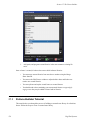
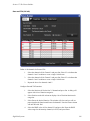
Setup → Control Panel : Navigate to the midi tab of the control panel. If
you are using the console's built in midi input port then make sure USB LTC
Midi Midi 1 is selected as the midi input device. If you are using a USB Midi
device such as a USB keyboard or external USB Midi widget to bring MSC
into the console then select that device from the input drop down menu.
3.
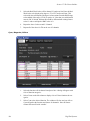
Setup → Network : open the Network window.
4.
Select the console in the list.
5.
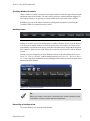
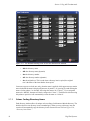
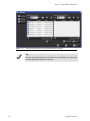
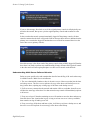
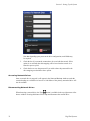
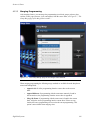
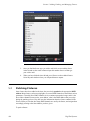
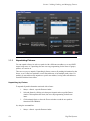
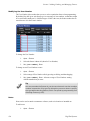
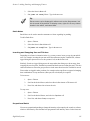
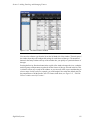
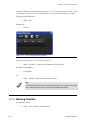
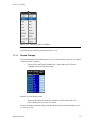
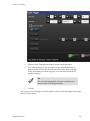
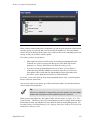
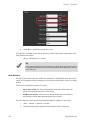
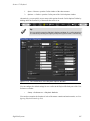
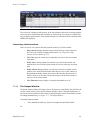
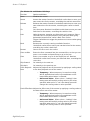
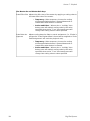
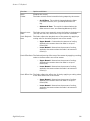
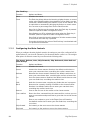
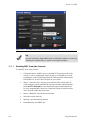
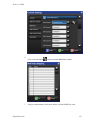
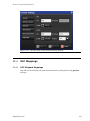
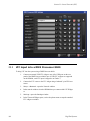
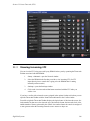
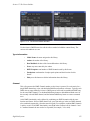
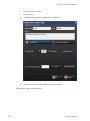
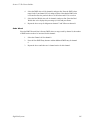
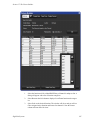
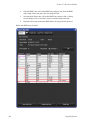
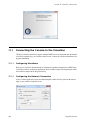
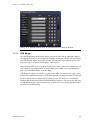
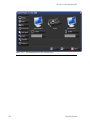
Settings : open the Settings window; see Figure 21.1, “The MIDI pane of
the Console Settings window”.
6.
High End Systems
In the MIDI pane, check MSC In.
327