1
Data Mining Configurator
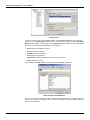
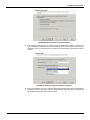
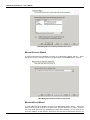
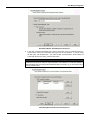
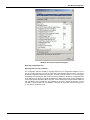
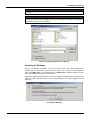
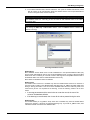
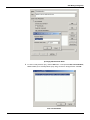
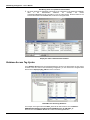
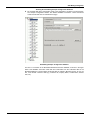
1. In the Table Parameters field, click the Add button. This opens the Unified Data Browser, which
lists all columns in the selected table. Select the desired columns from the specified table as
shown in the figure below, and then clickf OK.
NOTE
If you want to read more than one row from the selected database table, check the Enable Multirows Dataset check box. This way you do not need to add individual rows to the Table
Parameters field.
NOTE
You can also change the column ordering in the data source configuration by selecting a column
and clicking the Move Up or Move Down buttons. Click the Remove button to delete the
selected column(s).
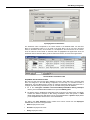
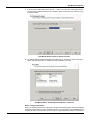
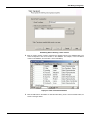
Selecting a Database Column
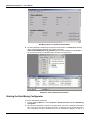
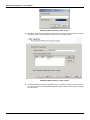
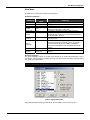
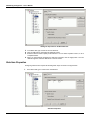
Enable Writes
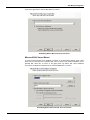
Direct database access allows users to make modifications in the specified database table (may
work for views with limitations given by the connected database server or engine). When the Enable
Writes check box is checked, you can write a value to OPC tags and it will update related records in
the database table. This works for table-based data sources only.
Note: Writes are disabled for multi-row datasets.
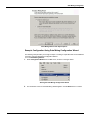
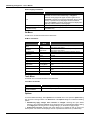
Enable Inserts
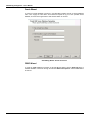
The Enable Inserts check box is available only when the Enable Writes check box is checked. In
case the record is missing in the database table (data tags return VT_EMPTY and Bad quality) then
writing to this tag will create a new record in the database table. Since the table may have more
columns than just the one requested in the data tag, it uses the following criteria to fill in other
values:
•
It uses tag parameters and the actual value to create the record; the rest of the
columns use database defaults.
•
If the data tag is record-based, then it uses all the values passed during the write.
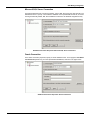
Enable Deletes
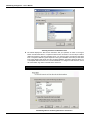
The Enable Deletes (on VT_EMPTY value) check box is available only when the Enable Writes
check box is checked. It works for record-based data tags only. If you write VT_EMPTY value, then
it will delete related records from the database table.
69