1
236
Operator10 Help
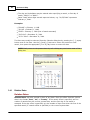
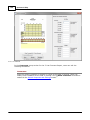
editing Data values.
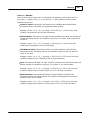
NOTE: Data values will be updated whenever the Graph is refreshed. Refresh will
overwrite any changes you have made to graphed Data.
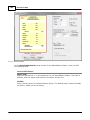
NOTE: If the Default Legend Text menu item is marked, legend text will be updated
whenever the Graph is refreshed. In that case, Refresh will overwrite any changes
you have made to the legend text.
8.4.1.4.2 Zoom
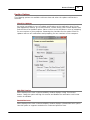
Zoom/Resize Graph
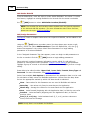
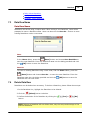
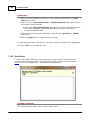
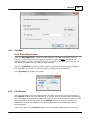
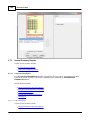
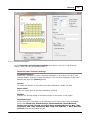
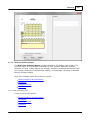
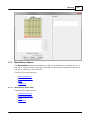
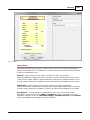
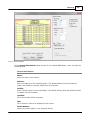
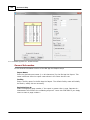
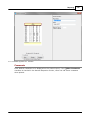
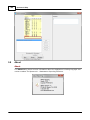
To Zoom in or magnify any section of the current Graph, check the Zoom menu item,
then LeftDrag through the area of the graph that should be shown in the window.
Uncheck the Zoom menu item to return to normal viewing.
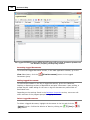
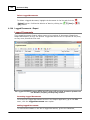
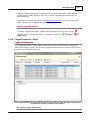
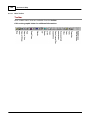
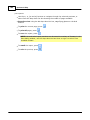
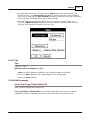
Zoom may also be chosen by pressing the appropriate Toolbar button.
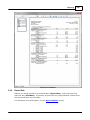
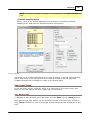
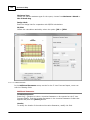
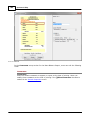
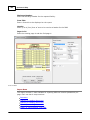
To Resize a Graph within its window, LeftDrag the edges (of the walls) of the graph as
necessary. (The mouse cursor will change to arrows when moved directly over the edges
of the graph.)
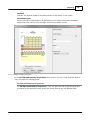
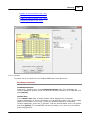
NOTE: The edges of a 3-D Graph are located at the edges of the inner walls, not the
outer 3-D thickness of the walls. The edges of a 3-D Rotated Graph are located
where the edges would be if not rotated.
Hint: If it is difficult to locate the edges of a 3-D Graph for resizing, return to 2-D
mode, resize as desired, then restore 3-D mode.
© 2014 AllMax Software, Inc.