1
Fixed Display
Section
6-2
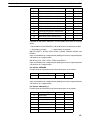
table entry number from it.
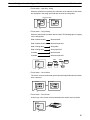
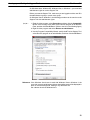
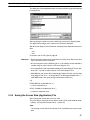
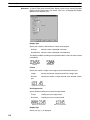
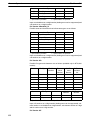
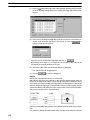
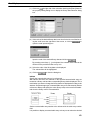
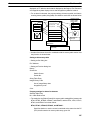
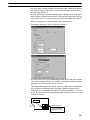
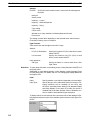
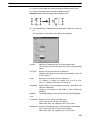
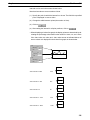
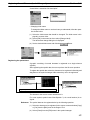
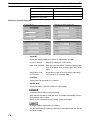
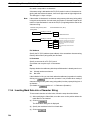
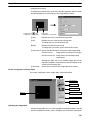
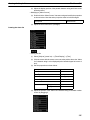
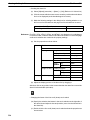
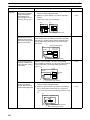
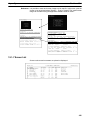
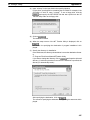
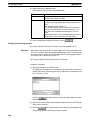
To display a numeral table entry, follow the procedure below.
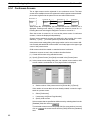
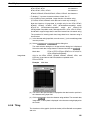
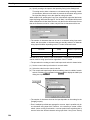
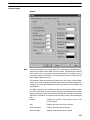
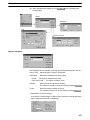
(1) Click on
at the right side of the table entry number after checking the [In-
direct] button in the property setting dialog box to display the numeral table
selection dialog box.
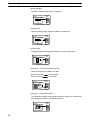
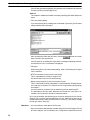
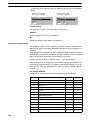
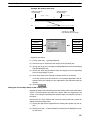
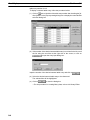
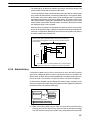
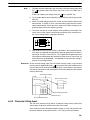
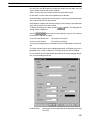
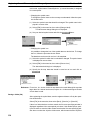
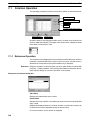
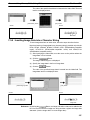
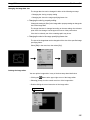
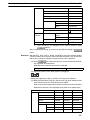
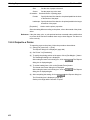
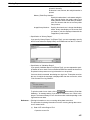
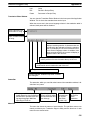
(2) If the number of the desired numeral table entry is not found in the list, scroll
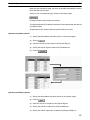
the list using the scroll bar at the right side of the screen, or click on
to open the entry input dialog box.
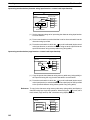
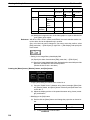
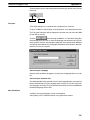
Input the number of the desired numeral table entry and click on
.
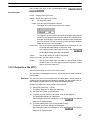
(3) Select the desired numeral table entry to be referenced.
The selected line will be highlighted.
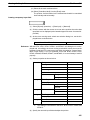
(4) Click on
to close the dialog box.
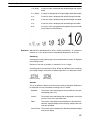
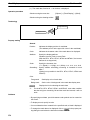
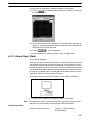
How to create the image data is described in 8-1 Image Editor.
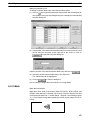
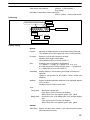
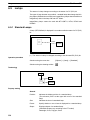
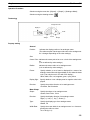
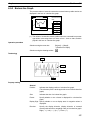
6-2-10 Mark
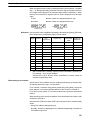
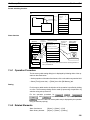
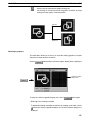
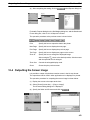
Mark data is displayed.
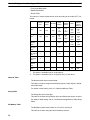
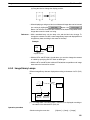
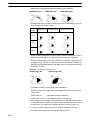
Mark data can be used for all models. (With NT11S/NT11, NT20, NT20S, and
NT600S, mark data can be inserted only in string.) Since the Support Tool does
not support mark data of 32 32 dots and 64 64 dots, it is necessary to group
16 16 dot marks if image data created by the DOS version Support Tool is imported.
155