1
The Game Designer
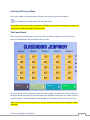
Classroom Jeopardy can be easily configured to use your own questions, answers, category
names, and rules using the Classroom Jeopardy Game Designer. Click the Game Designer
button on the Classroom Jeopardy launcher to open the Game Designer.
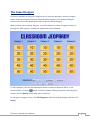
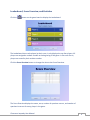
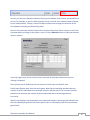
When you first start the Game Designer, you will be asked to create a new game or open an
existing one. After a game is loaded, the page below will be displayed.
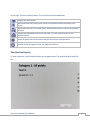
To edit a question, click the desired question button to open the Question Editor. In the
Question Editor, click the
button to switch between editing the question and editing the
answer. Click the Return button when you are finished.
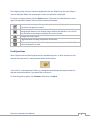
To change the category names, click Edit Categories, make any desired changes, and then click
Return.
Classroom Jeopardy User Manual
3