1
1
1. INTRODUCTORY REMARKS ................................................................ 3
1.1
About FiltEST ....................................................................................................................... 3
1.1.1 Basic features of FiltEST ...................................................................................................... 3
1.1.2 Additional features of the full version ................................................................................. 4
1.1.3 Additional Optional Features .............................................................................................. 4
1.2
Where to Get the Software and Licenses ......................................................................... 4
1.3
Contact Us ............................................................................................................................ 5
1.4
About this Document .......................................................................................................... 5
2. GETTING STARTED WITH FILTES T ....................................................... 6
2.1
Installing FiltEST .................................................................................................................. 6
2.1.1 Windows 64-bit ................................................................................................................. 6
2.1.2 Other Operating Systems ................................................................................................... 6
2.2
Getting a License for FiltEST .............................................................................................. 7
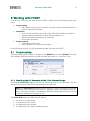
3. WORKING WITH FILTES T..................................................................... 8
3.1
Preprocessing ...................................................................................................................... 8
3.1.1 Providing the STL Geometry of the Filter Element Design ................................................... 8
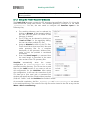
3.1.2 Using the FiltEST Voxel Grid Module .................................................................................. 9
3.2
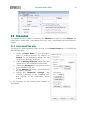
Simulation .......................................................................................................................... 10
3.2.1 Voxel-based Flow only ...................................................................................................... 10
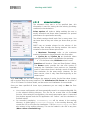
3.2.2 Voxel based Flow and Efficiency ....................................................................................... 13
3.3
Postprocessing ................................................................................................................... 16
4. S URVEY ON THE CAS E S TUDIES COMING WITH FILTES T.................. 17
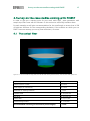
4.1
The conical filter ................................................................................................................ 17
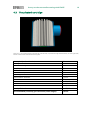
4.2
The cylindrical filter .......................................................................................................... 18
4.3
The pleated cartridge........................................................................................................ 19
4.4
The pleated panel ............................................................................................................. 20
5. RUNNING A DEMO EXAMPLE – CONICALFILTER.............................. 21
6. VIS UALIZING DATA US ING PARAVIEW ............................................ 22
6.1
Warm up: Previewing the STL geometries...................................................................... 23
6.2
Viewing FiltEST’s visualization output ............................................................................ 28