1
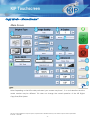
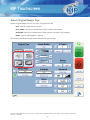
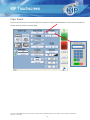
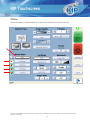
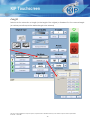
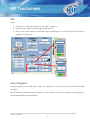
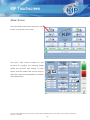
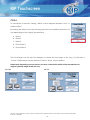
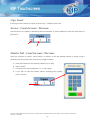
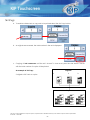
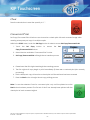
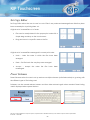
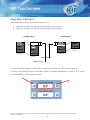
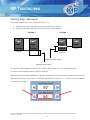
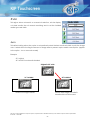
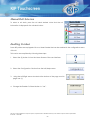
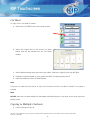
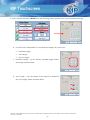
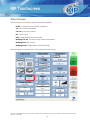
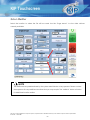
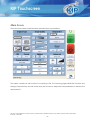
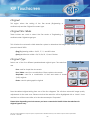
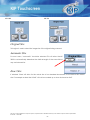
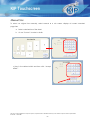
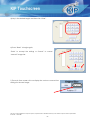
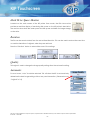
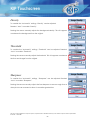
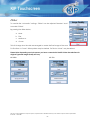
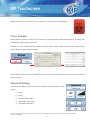
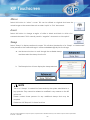
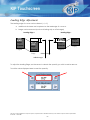
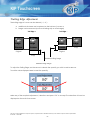
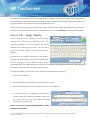
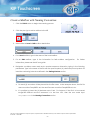
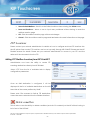
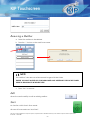
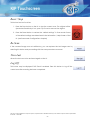
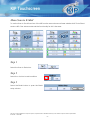
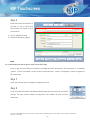
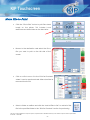
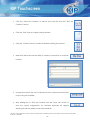
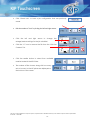
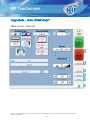
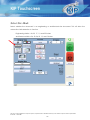
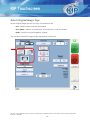
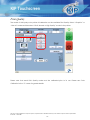
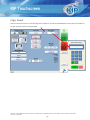
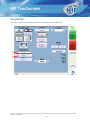
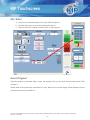
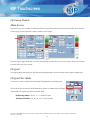
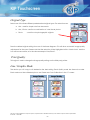
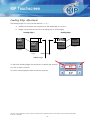
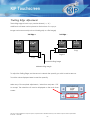
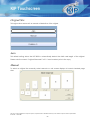
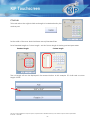
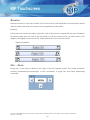
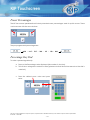
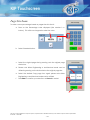
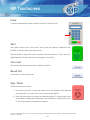
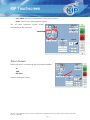
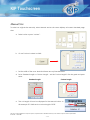
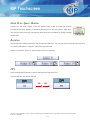
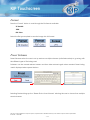
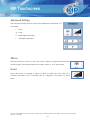
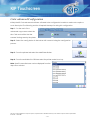
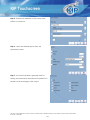
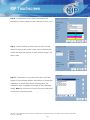
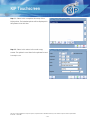
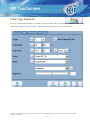
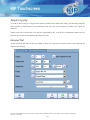
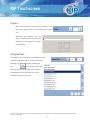
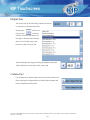
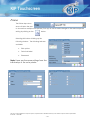
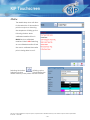
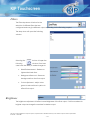
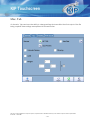
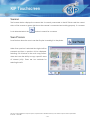
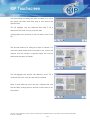
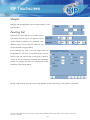
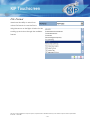
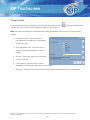
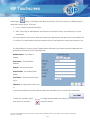
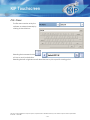
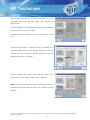
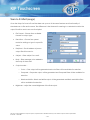
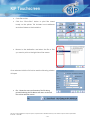
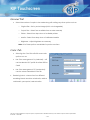
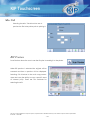
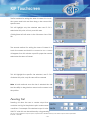
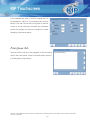
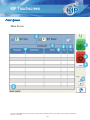
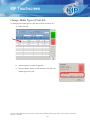
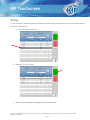
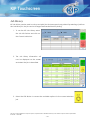
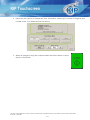
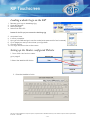
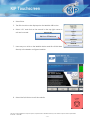
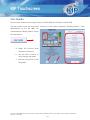
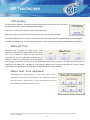
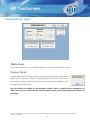
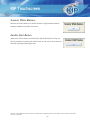
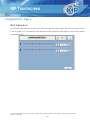
KIP Touchscreen Change Media Type in Print Job To change the media type in a job that may be in the job list: a. Select the job b. Job Information screen will appear. c. Press the Bond, Vellum or Film button to set the new media type for this job. No part of this publication may be copied, reproduced or distributed in any form without express written permission from KIP. 2014 KIP. - 165 -