1
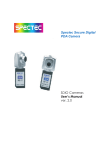
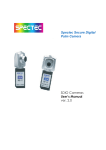
What's in the box?
1. SD Camera
2. Application Software CD
3. User's Manual
4. Travel pouch
5. Warranty Information
1
Software installation
First, be sure the ActiveSync cradle, AC adapter,
connection cable and PC were connected properly.(See1 )
1. Insert the CD ROM into the drive of your PC.(See 2 )
2. Auto-run screen will pop-up. (See 3 )
2
3
Select " For Pocket PC" icon to start the installation.
Follow the prompts to complete the installation.
3. Plug the Pocket PC into the cradle. Run ActiveSync
to load the application from PC onto your Pocket PC.
5. After you've completed the installation tasks, push
the reset button. (See 4 )
Tap the start menu, you'll find the PhotoView is listed
on the menu.
2
4
Reset
www.spectec.com.tw