1
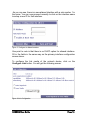
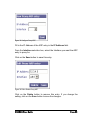
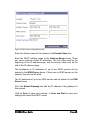
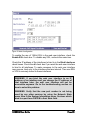
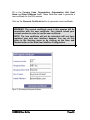
copy by selecting the Shut down services before cloning system
check box.
Click on the Clone system button to start duplicating the system.
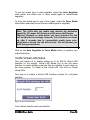
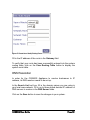
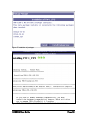
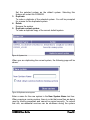
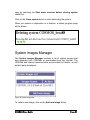
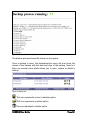
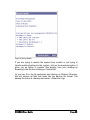
When you perform a duplication or a deletion, a status progress page
will be shown.
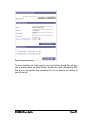
Figure 44 Progress Update
System Images Manager
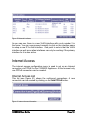
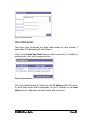
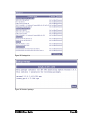
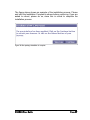
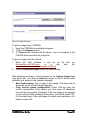
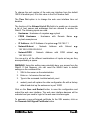
The System Images Manager contains a list of system images that
was uploaded from CDROMs or downloaded from the Internet. The
CDROMs and Internet download sites are provided by Celestix, as well
as third party developers.
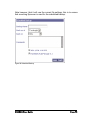
Figure 45 System Images List
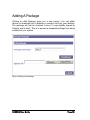
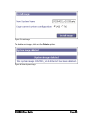
To install a new image, click on the Add new image button.
COSMOS User Guide
Page 31