1
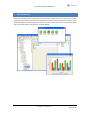
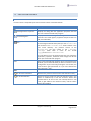
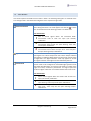
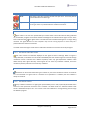
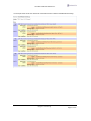
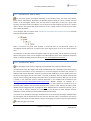
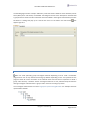
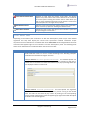
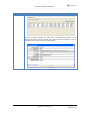
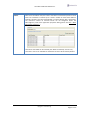
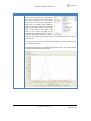
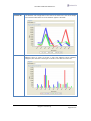
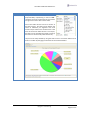
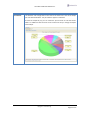
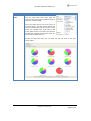
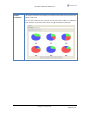
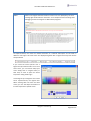
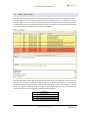
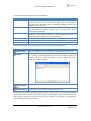
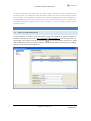
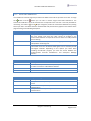
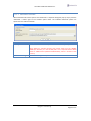
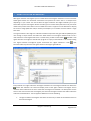
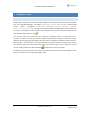
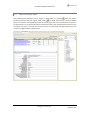
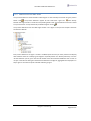
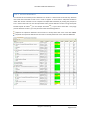
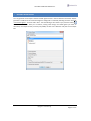
User Manual Mirador Release 2.1 Result View Errors Description When a microagent method invocation results in an error (exception), the error message gets shown with the stack trace. This is helpful for failure tracking when debugging custom microagents or AMI enabled programs. As explained above, the result of a method invocation or a method subscription can be shown in different chart types. All these charts are displayed together with a legend that may look like the example below. If you move the mouse pointer over a legend and you observe that it turns into a hand cursor, you can further adapt your chart. Simply click on a legend item (i.e. CPU Time) in order to open the “Series Properties” dialog shown right. This dialog lets you change the color of the series represented by the legend item. When working with line charts and time charts, you can also adapt the width of a line that represents a specific series. copyright centeractive ag Page 36 of 57