1
3. MELSAP-L PROGRAM EDITING METHOD
MELSEC
3.14.2 Setting the SFC setting options
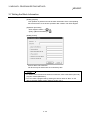
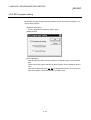
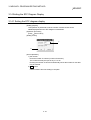
[Setting purpose]
This operation is used to set details when editing or monitoring an SFC program.
[Operation procedure]
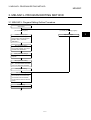
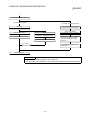
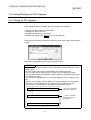
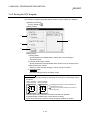
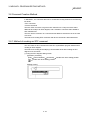
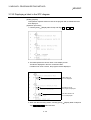
[Tool] [Set SFC information] [Option]
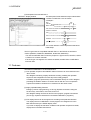
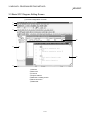
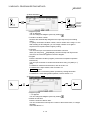
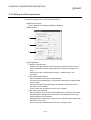
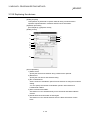
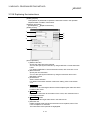
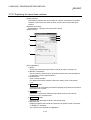
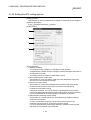
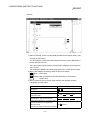
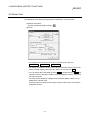
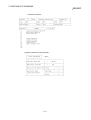
[Setting screen]
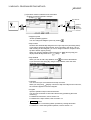
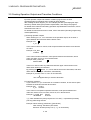
1)
2)
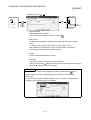
3)
4)
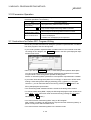
[Item explanation]
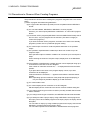
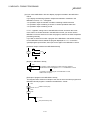
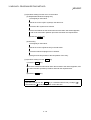
1) Reference window
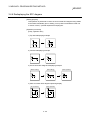
This window is used to display or not display several operation
output/transition condition sequence program windows alongside each other in
the MELSAP-II/3 format.
This setting cannot be made in the MELSAP-L format.
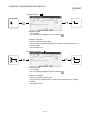
2) Zoom mode at block START step
Sets whether or not a jump will be made to the start destination block when
the cursor moves to the block start step.
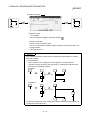
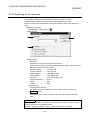
3) Auto scroll monitor setting
Sets whether or not the start destination block window will be opened and
monitored when the active step moves to the block start step during
monitoring of automatic scrolling.
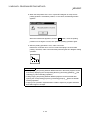
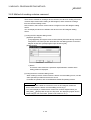
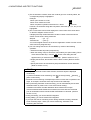
If GPPW is minimized, you cannot open the start destination block window.
If the block started while GPPW was minimized, the block that was monitored
prior to minimization will be monitored after minimization is canceled.
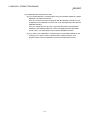
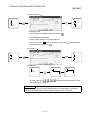
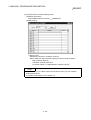
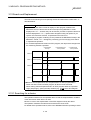
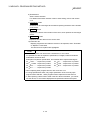
4) Step transition watchdog monitor setting
Sets whether or not steps that do not move within the specified monitoring
period will be monitored.
To carry out transition monitoring, set the name of the program to be
monitored, specify the block, and set the monitoring period.
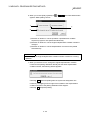
If you set "Stop watchdog monitoring at detection", transition monitoring will
stop when a non-transition step is detected.
3 - 52