1
70
5.2.1.5
CALSoft 5 Help
TD Start Data Collection
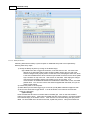
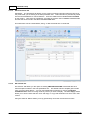
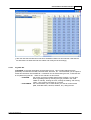
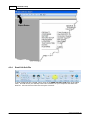
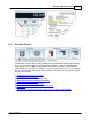
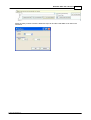
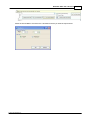
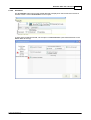
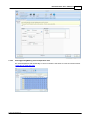
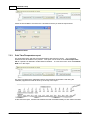
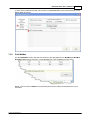
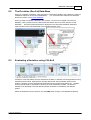
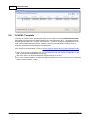
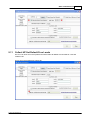
The Start Data Collection tab in Temperature Distribution is the same as in Heat Penetration. To
learn more, click here to see the help file for the "Start Data-Collection" feature in Heat
Penetration
5.2.1.6
TD Data Collection- Main Screen
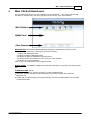
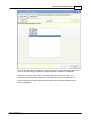
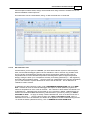
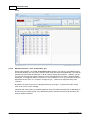
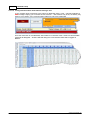
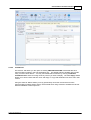
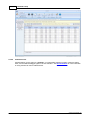
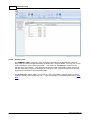
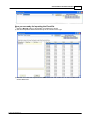
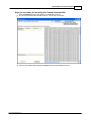
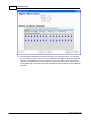
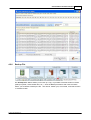
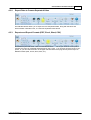
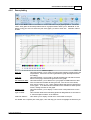
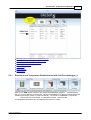
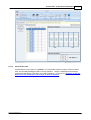
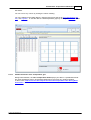
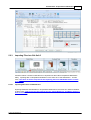
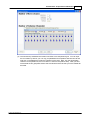
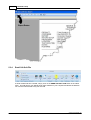
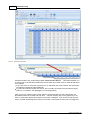
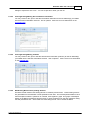
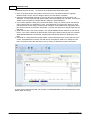
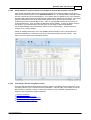
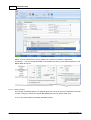
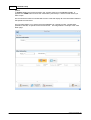
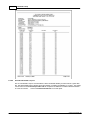
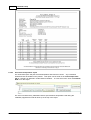
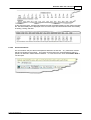
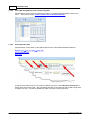
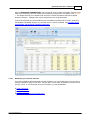
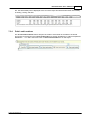
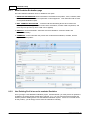
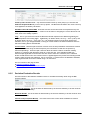
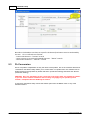
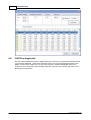
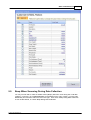
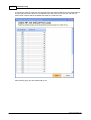
The default view during Data Collection is called the Main Data Collection Screen. This screen
displays only all "active" channels (Free Leads and Thermocoupled leads). CALSoft will actually
scan and record temperatures on all 32 channels during data-collection. However, you will only see
the channels during data collection that are designated as Free Leads or Thermocoupled
Containers. To change the status of a channel or to turn a channel on or off, go to the Data
Collection Equipment tab and click on a channel to change it's type. It will then be displayed during
data collection.
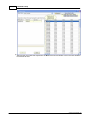
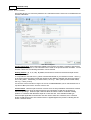
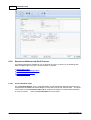
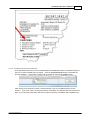
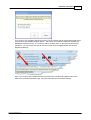
This screen displays the channel number, type (graphically shows Thermocouple or Free Lead),
current reading, previous reading, the difference between the two ("Delta T"), the lethal rate, and the
accumulated F (Total F). Any calibration factors that are applied are shown in the last column.
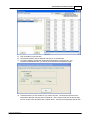
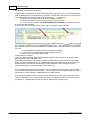
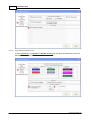
CALSoft will help you visually know which channel is the highest and lowest. The Thermocoupled
container with the highest reading is displayed in RED and the lowest reading in BLUE. Since this
is a Temperature Distribution test, Thermocoupled Container Leads are not considered in the high-
© 2012 TechniCAL Inc