1
AN11308
NXP Semiconductors
PNEV512B Quick Startup Guide
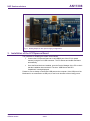
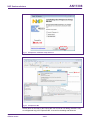
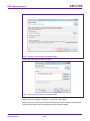
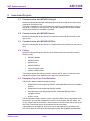
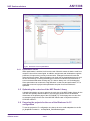
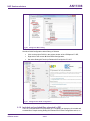
Fig 29. Run the project
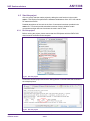
In the console window at the bottom one will see the debug output of the execution.
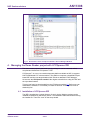
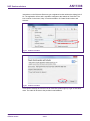
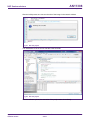
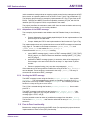
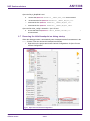
Fig 30. Stop the project
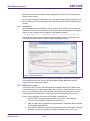
After the execution has reached the end of the main function please click the Terminate
button to stop the execution. Otherwise one won’t be able to rerun the project.
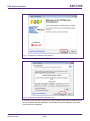
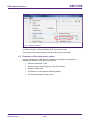
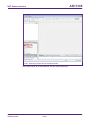
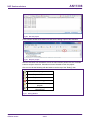
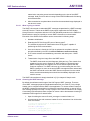
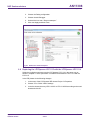
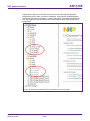
One can now do the following with the buttons near the top of the “Debug” view:
Run the program.
Step over C/C++ line.
Step into a function.
Stop the debugger.
Pause execution of the running
program.
Instruction stepping mode
(disassembly).
Fig 31. Debug Buttons
AN11308
Application note
COMPANY PUBLIC
All information provided in this document is subject to legal disclaimers.
Rev. 1.3 — 13 June 2013
255013
© NXP B.V. 2013. All rights reserved.
21 of 40