1
Functions - Exercises
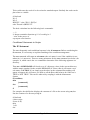
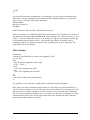
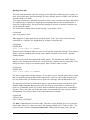
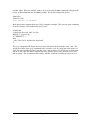
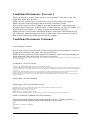
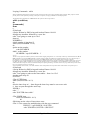
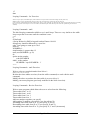
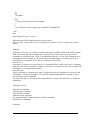
Try out the examples given above, save first as funcfour, the second as funcparams, the third
as funcadd, and the final one as recfunc.
Modify the funcfour script to run 10 times
Modify the funcadd script to multiply the numbers and save as funcmul.
Modify the funcadd script to request from the user the number of parameters to be added,
receive them and then add them together.
Write a script which implements a single times table by requesting from the user a value for
the times table, an incremental value, and a stop value. Hint you should inplement a loop of
your choice, your script should then call a function (from inside the loop) over again (sending
it both the cumulative total and the value to add) until the loop terminates.
Korn Shell Summary
Variables
Variables are assigned using the equals sign, no spaces. They are used by preceding them
with a dollar character.
Arguments
Arguments are labelled $1, $2, ..., $9. $# indicates how many arguments there are. shift
moves all the arguments down, so that $2 becomes $1, $3 becomes $2, etc. This allows more
than nine arguments to be accessed, if necessary.
Quotes
Single quotes ( 'string' ) form string literals. No interpretation is performed on the string.
Double quotes ( "string" ) form string literals with limited substitution: variables are replaced
with their value, and back-quoted commands are replaced with the results of their execution.
A backslash '\' at the end of a line allows strings to be stretched over a number of lines.
Back quotes ( `string` ) execute the string in a sub-shell, and substitute in the results of the
execution.
Conditionals
if [ <condition ] then ... elif ... else ... fi. elif and else are optional.
case <string in <case1) ... ;; <case2) ... ;;; esac. The case *) acts as a default for any value
not matched by one of the earlier cases.
Looping
for <variable in <list do ... done
while [ <condition ] do ... done
Page 18 of 8